

|
Ar kurjeru visā Latvijā
|
You will be contacted about delivery time. | From 3,49 EUR |
|
|
|||

|
Piegādes punktos
|
You will be contacted about delivery time. | From 3,39 EUR |
 Read more


| Protokols | IPv4; IPv6 |
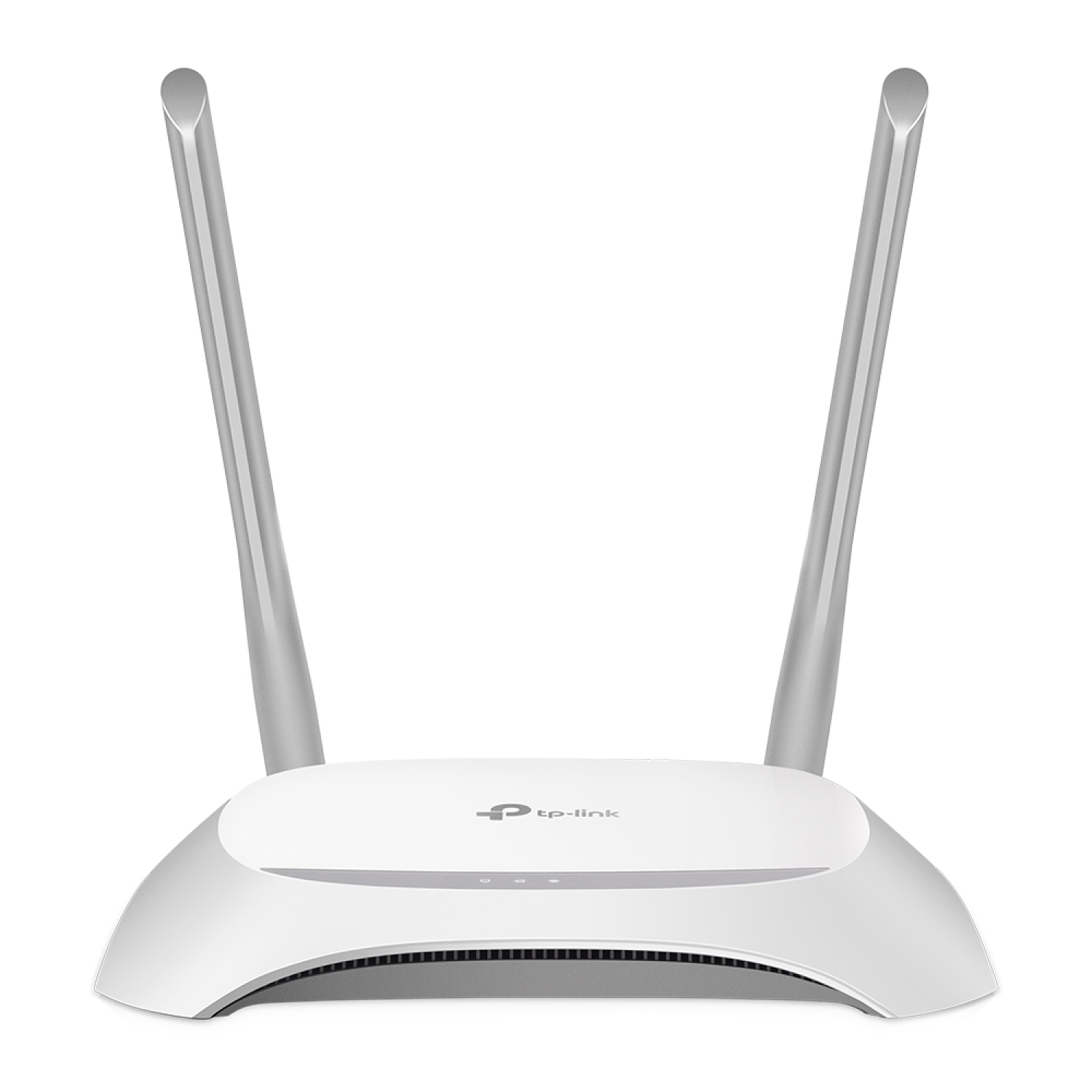
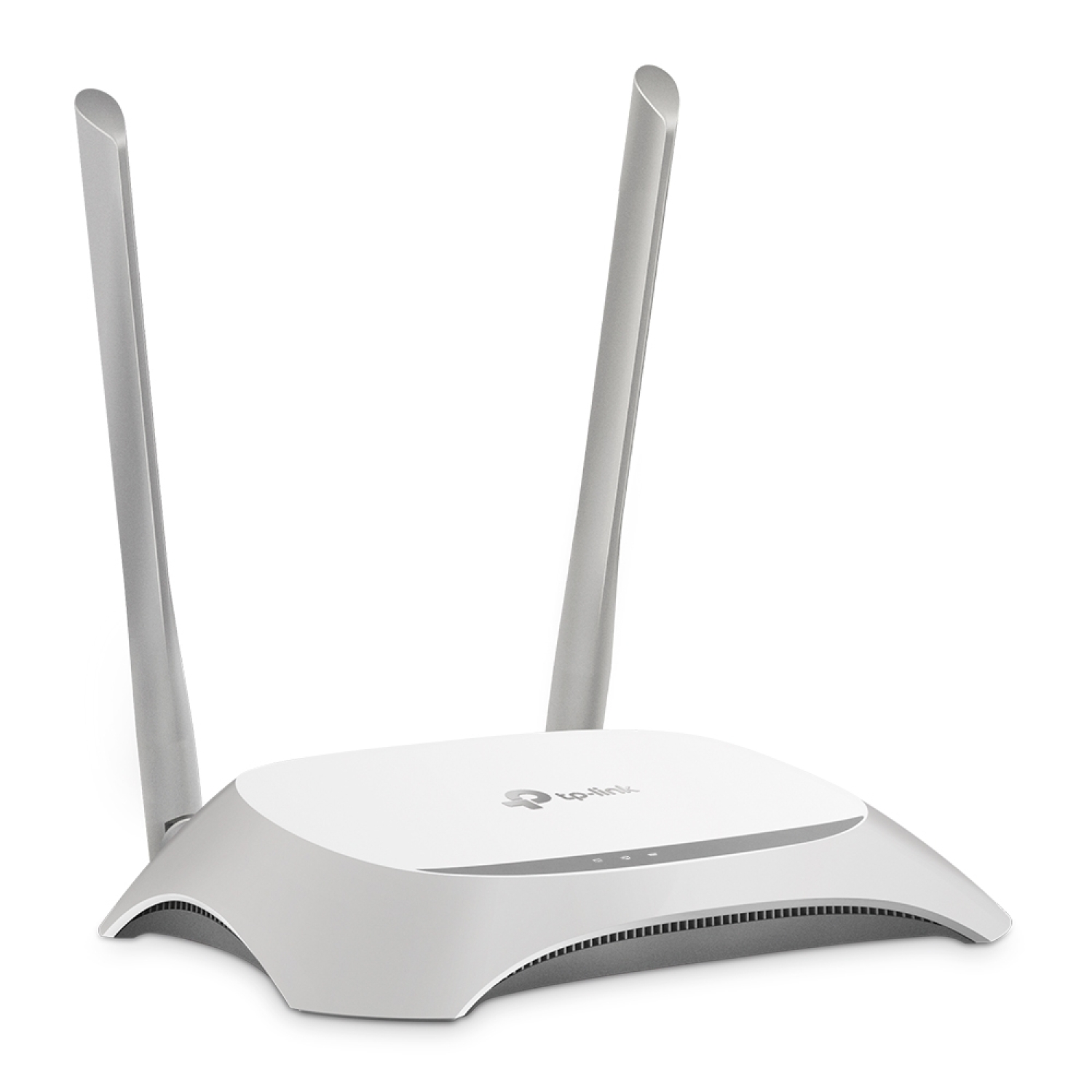
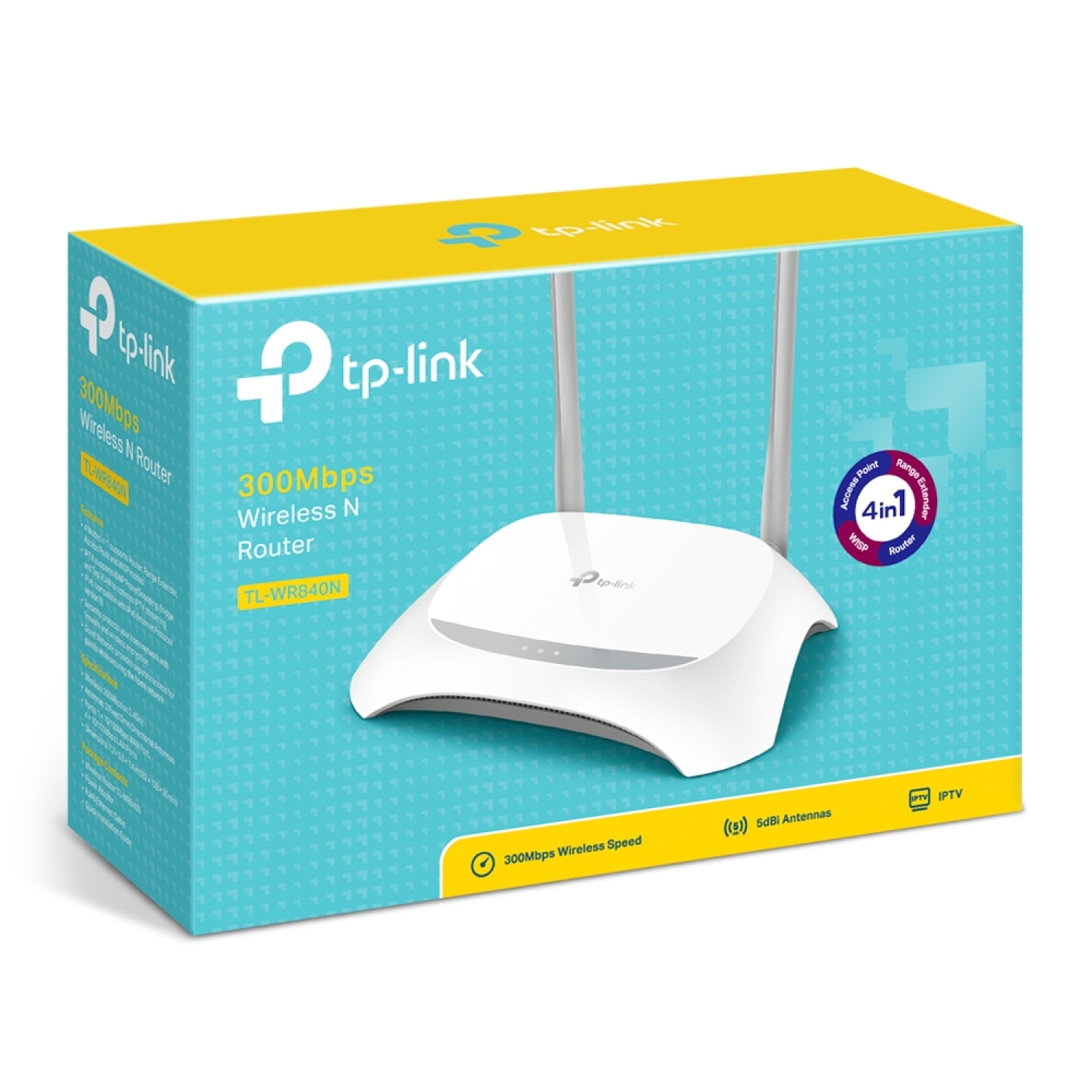
TP-Link TL-WR840N is a compact and reliable N300 wireless Wi-Fi router designed for stable internet access in home or small office environments. It provides 2.4 GHz wireless coverage up to 300 Mbps, 4 LAN ports for wired devices, and intuitive setup, combining simplicity with stable performance for everyday use.
Key Advantages
2.4 GHz N300 Wi-Fi → stable wireless connection for everyday internet usage
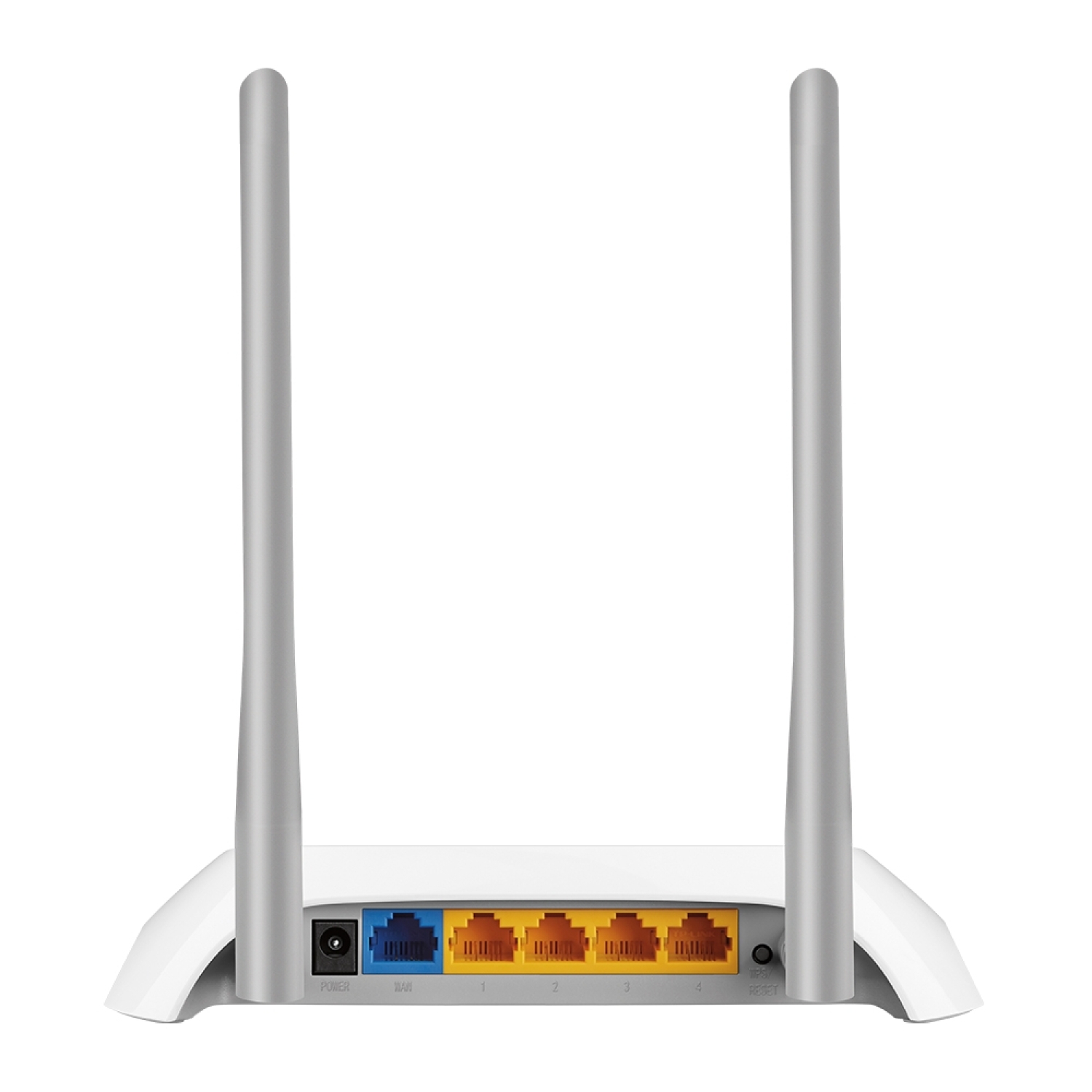
4× 10/100 Mbps LAN ports → wired connections for computers, TVs, and consoles
1× WAN port → fast and easy internet connection from a modem
Two external antennas → improved signal coverage area
Easy Setup → fast network creation without technical knowledge
WPS button → secure Wi-Fi connection with a single button press
QoS support → traffic prioritization for better multimedia streaming
IPv6 support → compatibility with the future internet protocol
WPA/WPA2 security → protected wireless network against unauthorized access
Compact design → easy integration into home or office environments
Technical Specifications
Type → wireless Wi-Fi router
Model → TP-Link TL-WR840N
Wi-Fi standard → IEEE 802.11b/g/n
Wi-Fi frequency → 2.4 GHz
Wireless speed → up to 300 Mbps
WAN → 1× 10/100 Mbps RJ45
LAN → 4× 10/100 Mbps RJ45
Antennas → 2× external antennas
Security → WEP, WPA/WPA2, WPA-PSK/WPA2-PSK
WPS → yes
QoS → IP prioritization (TOS/DSCP)
IPv6 → yes
Management → web interface/Web UI
Color → white
Power supply → AC adapter 9 V DC
Dimensions → compact white enclosure
Weight → lightweight, portable design
Compatibility
Compatible with → devices supporting Wi-Fi b/g/n (smartphones, tablets, computers, smart TVs)
Compatible with → any internet service provider or DSL/cable modem
Not compatible with → 5 GHz Wi-Fi devices (device operates only on 2.4 GHz frequency)
How to Use
Connect the internet source (modem/optical terminal) to the WAN port using an Ethernet cable
Connect the power adapter and turn on the device
Connect devices to the Wi-Fi network using the provided SSID and password
Press the WPS button to quickly and securely connect compatible devices
Configure the network name, password, and security settings via the web interface
Why Choose This Product
TP-Link TL-WR840N provides a practical and stable Wi-Fi solution for everyday internet needs, offering reliable connectivity and easy installation without complexity. With multiple LAN ports, security features, and simple management, it is an ideal choice for homes or small offices where stable and accessible internet performance is required.
Real-Life Usage Scenarios
Internet access in the living room for smart devices and computers
Wireless network in a small office for computers and printers
Guest Wi-Fi access with a guest network
Working from home with multiple devices connected simultaneously
Internet setup for students or rental apartments without complex configuration
Package Contents
TP-Link TL-WR840N router
AC power adapter
Quick installation guide
Ethernet cable
About the Brand
TP-Link is a global networking technology manufacturer developing stable, intuitive, and reliable routers for both home and business users. The brand’s solutions combine easy management, secure network performance, and broad device compatibility to deliver a seamless internet experience for everyday needs.