


|
Ar kurjeru visā Latvijā
|
You will be contacted about delivery time. | |
|
|
|||

|
Piegādes punktos
|
You will be contacted about delivery time. | |
 Read more


| Size, mm | 0.73x0.59x0.28in.(18.6x15x7.1mm) |
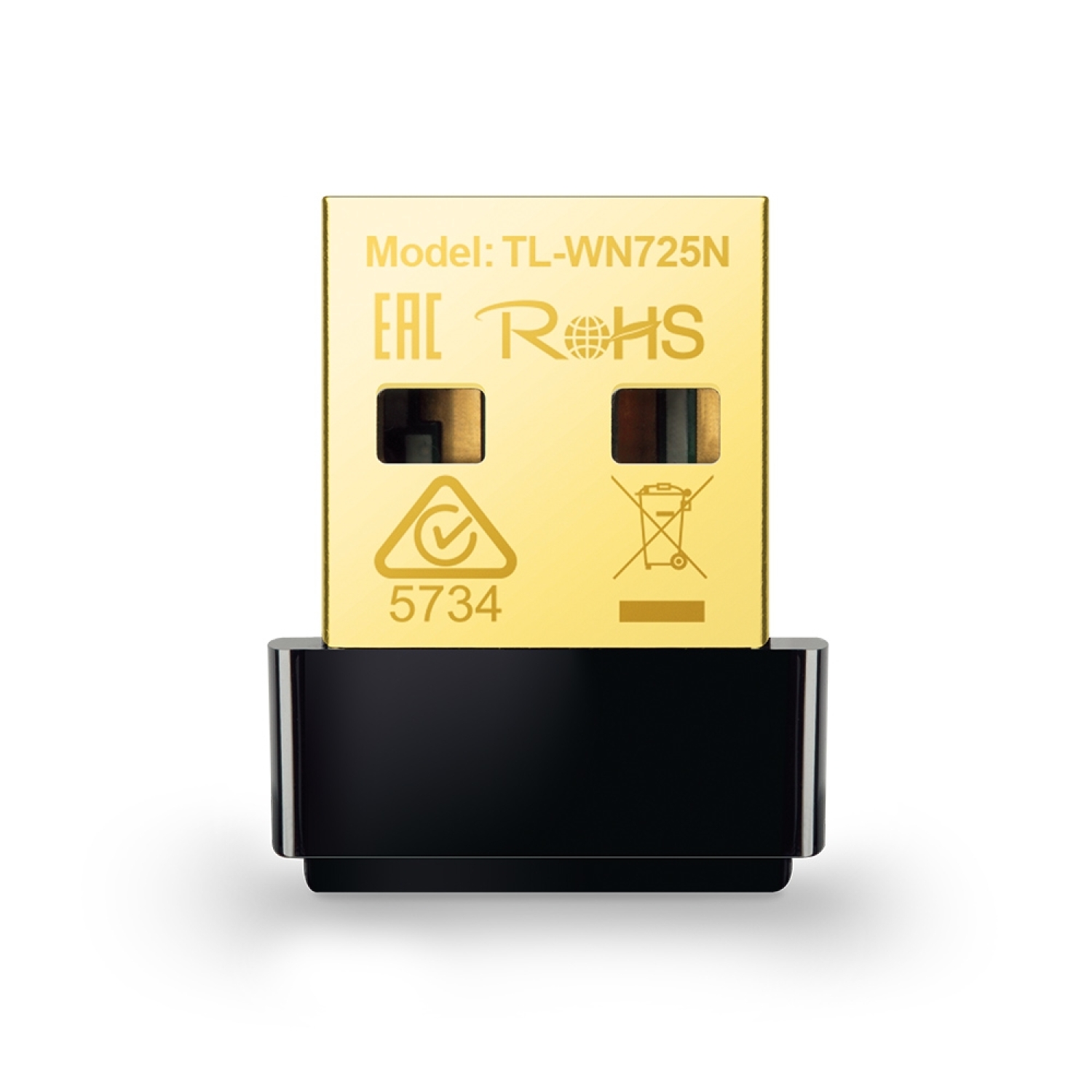
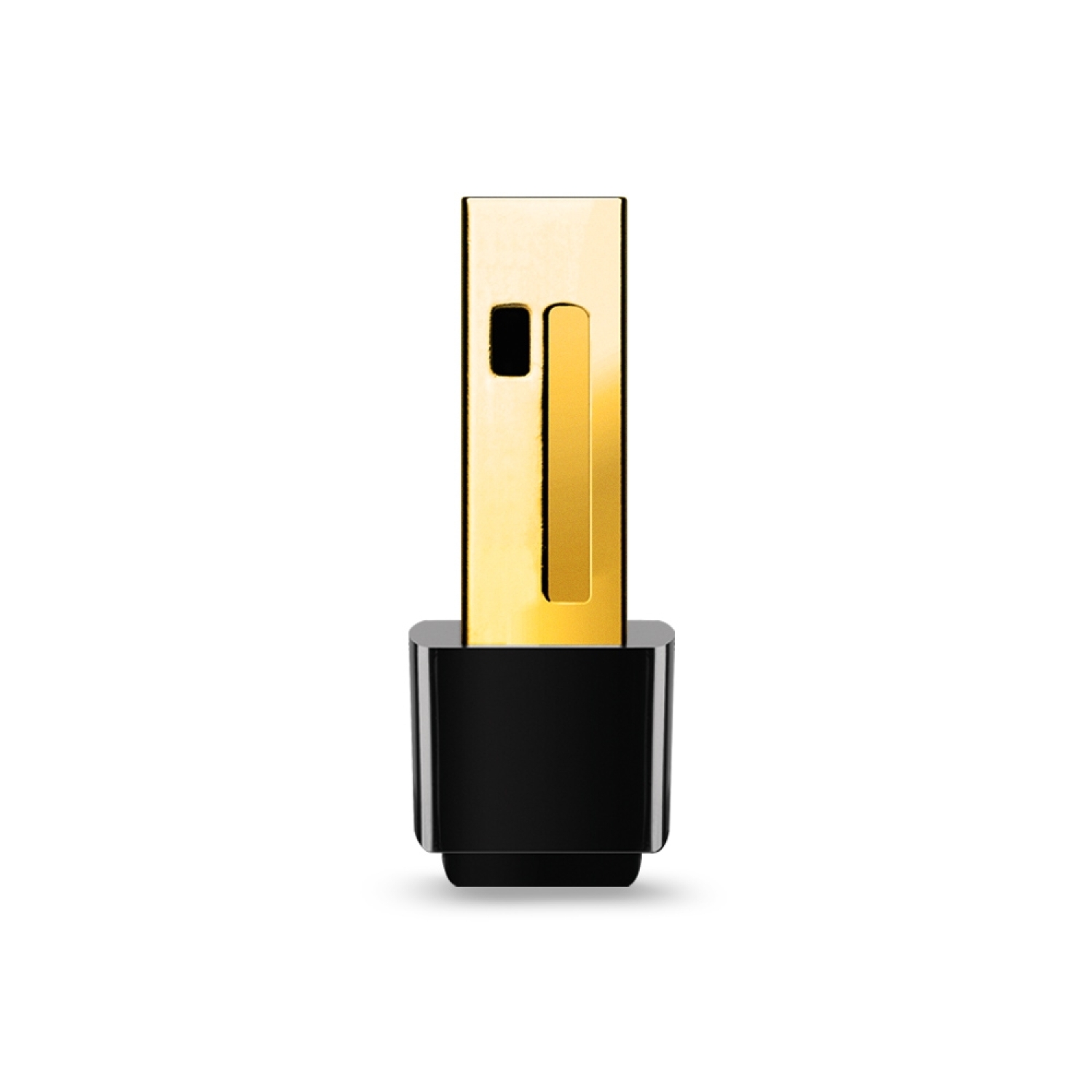
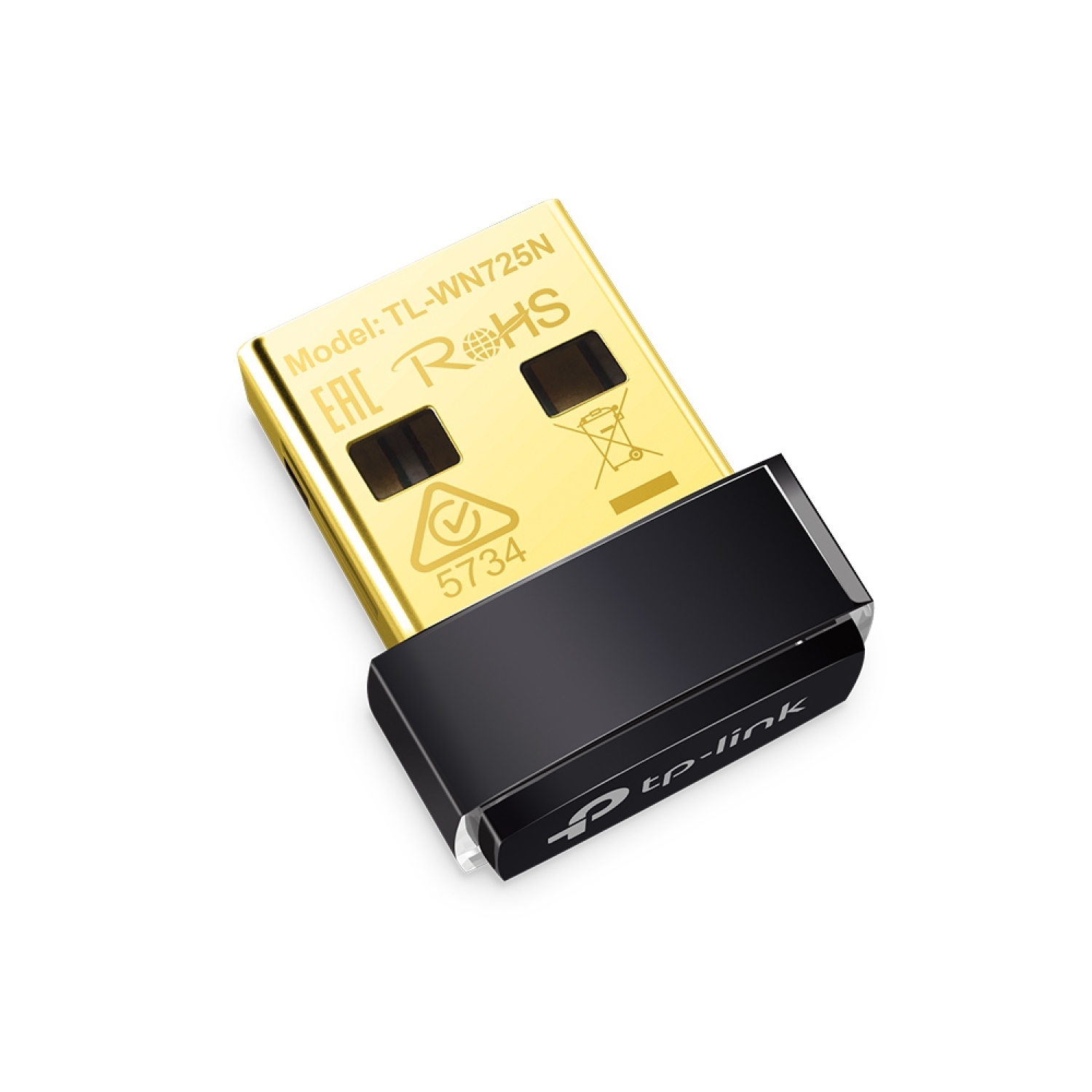
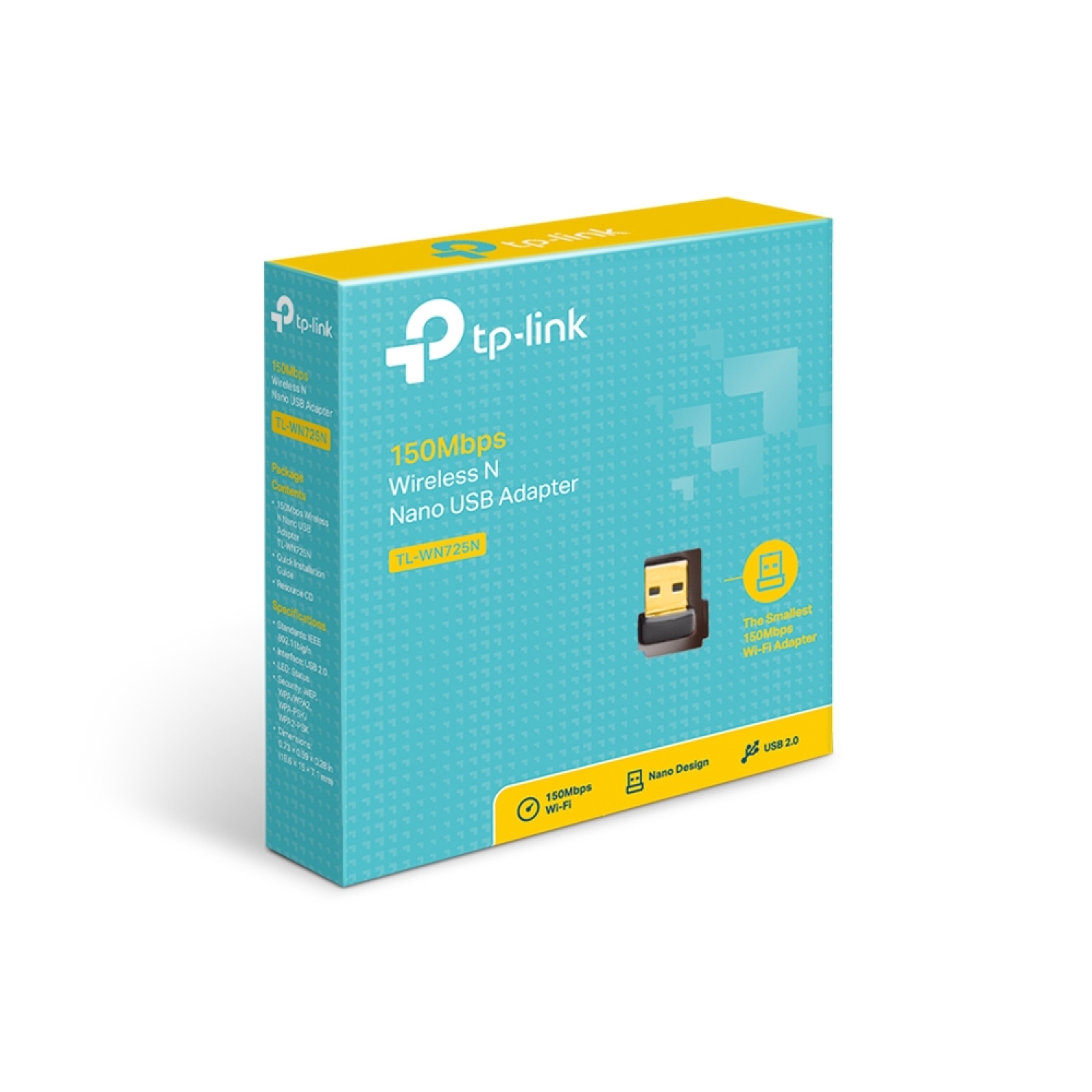
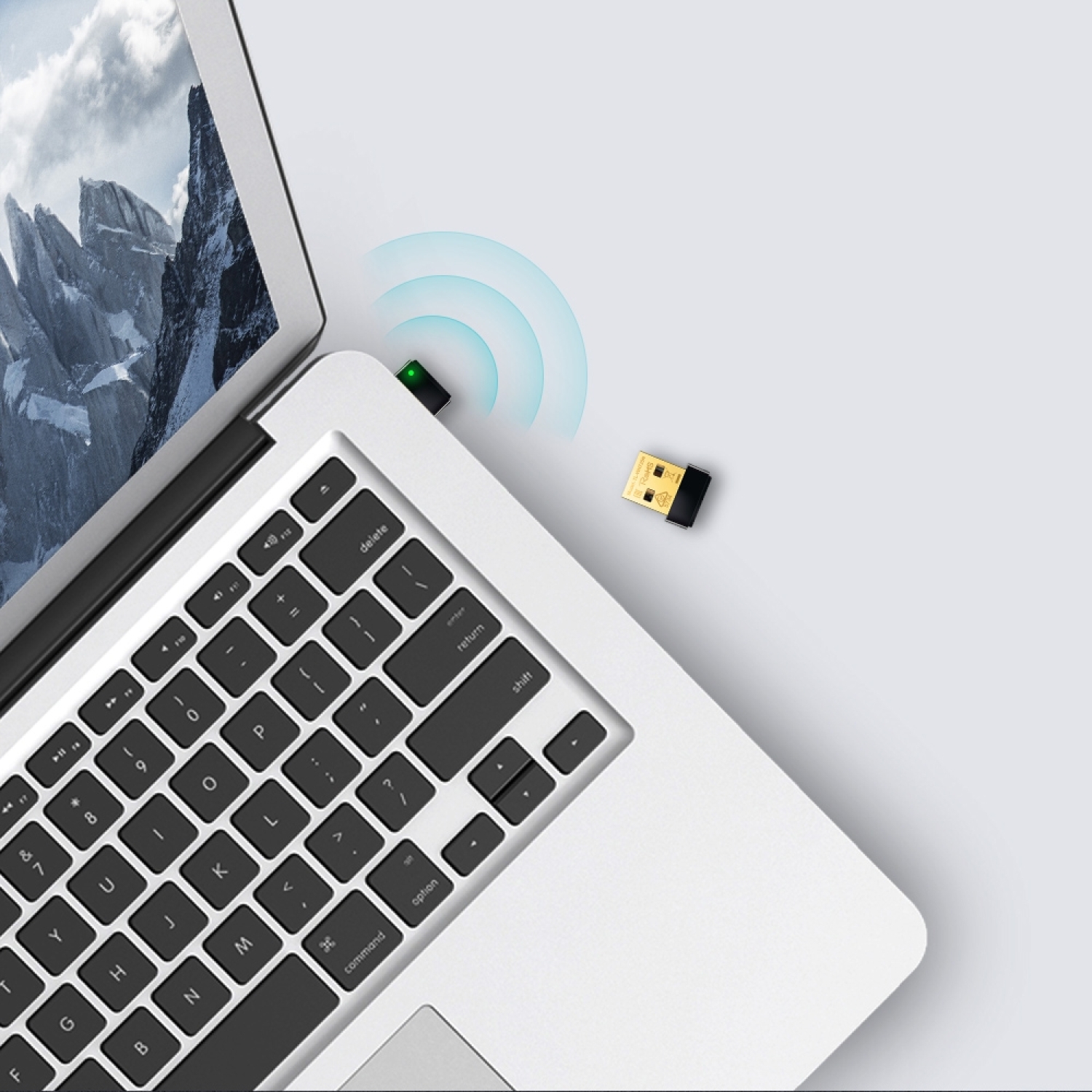
TP-Link TL-WN725N is a compact nano-size USB wireless adapter that provides 1× 2.4 GHz Wi-Fi N connectivity with speeds up to 150 Mbps, enabling easy wireless access for computers without built-in Wi-Fi. It offers simple Plug-and-Play installation and compatibility with major operating systems.
Key Advantages
150 Mbps wireless speed — stable internet connection for email, browsing, and video streaming.
Nano design — so small it can be left in a USB port permanently without getting in the way.
2.4 GHz wireless frequency — wide indoor coverage and compatibility with Wi-Fi b/g/n networks.
USB 2.0 interface — connects to virtually any computer USB port.
Internal antenna — discreet solution without external antennas.
Wireless encryption — supports WPA/WPA2 and WEP security protocols for data protection.
Ad-Hoc and Infrastructure modes — flexible connection configuration for home or network environments.
Wide OS compatibility — works with Windows, Mac OS X, and Linux.
LED status indicator — easy monitoring of network connection status.
Technical Specifications
Type — nano Wi-Fi USB adapter.
Model — TL-WN725N.
Wireless standard — IEEE 802.11b/g/n (Wi-Fi 4).
Frequency — 2.4 GHz (2.400 – 2.4835 GHz).
Max data rate — up to 150 Mbps (IEEE 802.11n).
Interface — USB 2.0.
Antenna — built-in.
Wireless modes — Ad-Hoc / Infrastructure.
Security — 64/128-bit WEP, WPA/WPA2, WPA-PSK/WPA2-PSK (TKIP/AES).
LED indicators — status LED.
Dimensions — 18.6 × 15 × 7.1 mm (nano-type housing).
Weight — 2.1 g.
Compatibility — Windows 11/10/8.1/8/7/XP, Mac OS, Linux.
Compatibility
Compatible with — Wi-Fi b/g/n networks on the 2.4 GHz band.
Compatible with — desktop PCs, laptops, and some SBC platforms with USB-A port support.
Not compatible with — the 5 GHz band of Wi-Fi 5/6/6E, as the adapter operates only on 2.4 GHz.
How to Use
Plug the adapter into a USB port on your computer or device.
Install drivers from the Resource CD or download them from the TP-Link support website if required.
Select an available Wi-Fi network and enter the password.
Check the LED status indicator to confirm a successful connection.
Why Choose This Product
TP-Link TL-WN725N is a simple, practical solution for adding Wi-Fi connectivity to a computer without a built-in wireless card, especially useful for older desktop PCs, laptops without Wi-Fi, or SBC devices. Its nano design without a bulky housing provides a discreet yet stable connection to commonly used networks, enabling internet access even in places where Wi-Fi was previously unavailable.
Real Use Scenarios
Adding wireless internet to a desktop PC without a Wi-Fi card.
Equipping a laptop with Wi-Fi connectivity when traveling or in cafés.
Connecting SBC devices such as Raspberry Pi to a Wi-Fi network without a built-in adapter.
Internet access for hobby or light office tasks without a large network adapter.
Quick Wi-Fi access for older OS computers without an integrated wireless card.
Package Contents
TP-Link TL-WN725N Nano USB adapter.
Resource CD with drivers.
Quick Installation Guide.
About the Brand
TP-Link is a global networking technology manufacturer focused on reliable and versatile networking equipment, offering compact and easy-to-use wireless solutions that expand network availability and provide convenient internet connectivity for everyday use.