

0
0
*The image is illustrative and the product may differ from the one shown in the image

USB Type-C 3-in-1 Hub, TP-Link, UH3020C, 3, 1*HDMI 4K@60Hz, 1*PD 100W, 1*USB Type-A 5Gbps, CE, FCC, RoHS, HDMI, BSMI, Aluminum Alloy Case

Code:
UH3020C
19,30
Availability: available next business day
Ar kurjeru visā Latvijā
You will be contacted about delivery time.

Piegādes punktos
Piegādes punktos
You will be contacted about delivery time.
INSERV – Remtes street 21, Riga
Monday
8:00 - 17:00

Tuesday
8:00 - 17:00

Wednesday
8:00 - 17:00

Thursday
8:00 - 17:00

Friday
8:00 - 17:00

Saturday

Sunday
INSERV – Ulmana parks 2, Marupe
Monday
8:00 - 17:00

Tuesday
8:00 - 17:00

Wednesday
8:00 - 17:00

Thursday
8:00 - 17:00

Friday
8:00 - 17:00

Saturday

Sunday
TP-Link Read more
Reviews about us:
google.lt kaina24.lt
See a mistake? Let us know

Technical specification:

Type USB centrmezgls

Description:

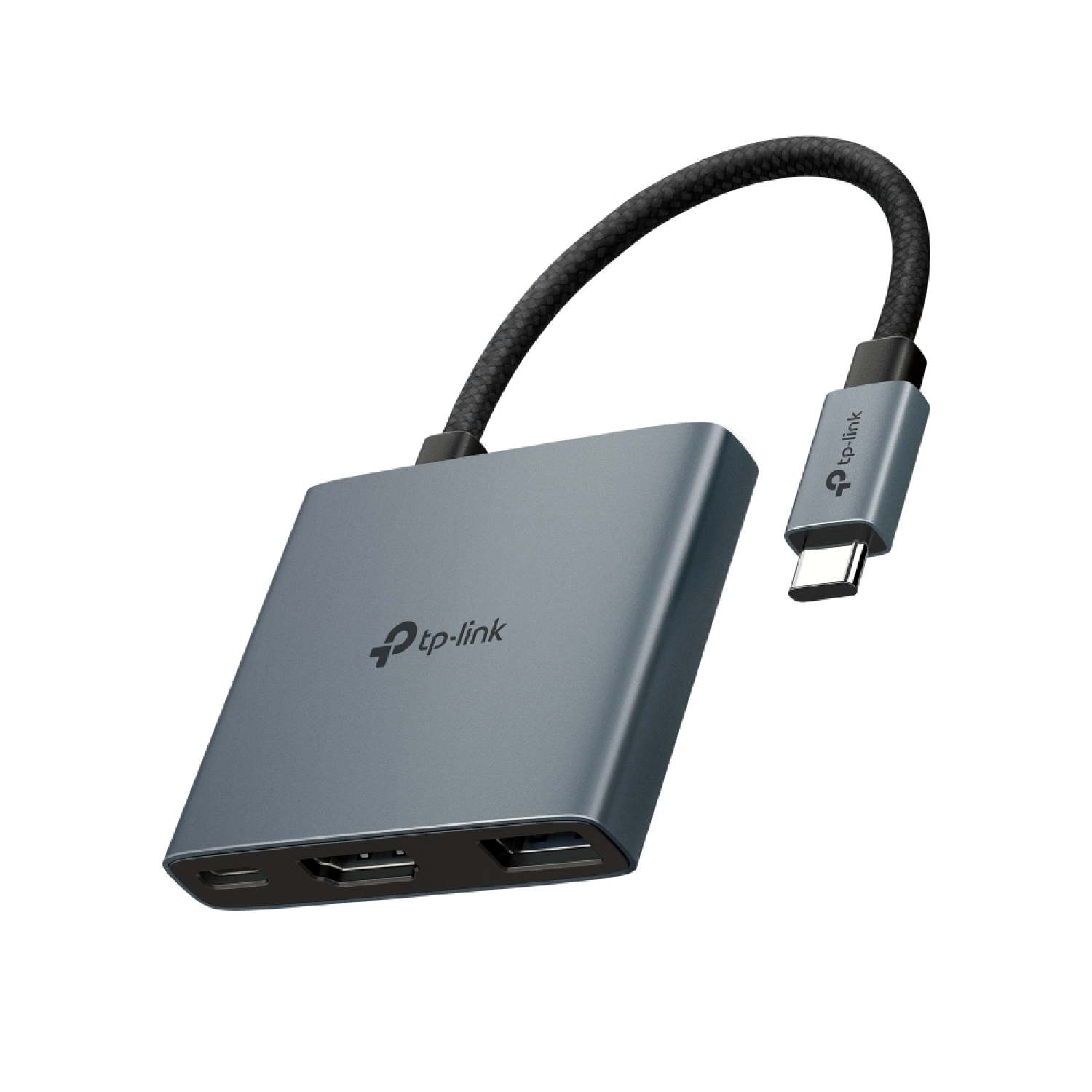
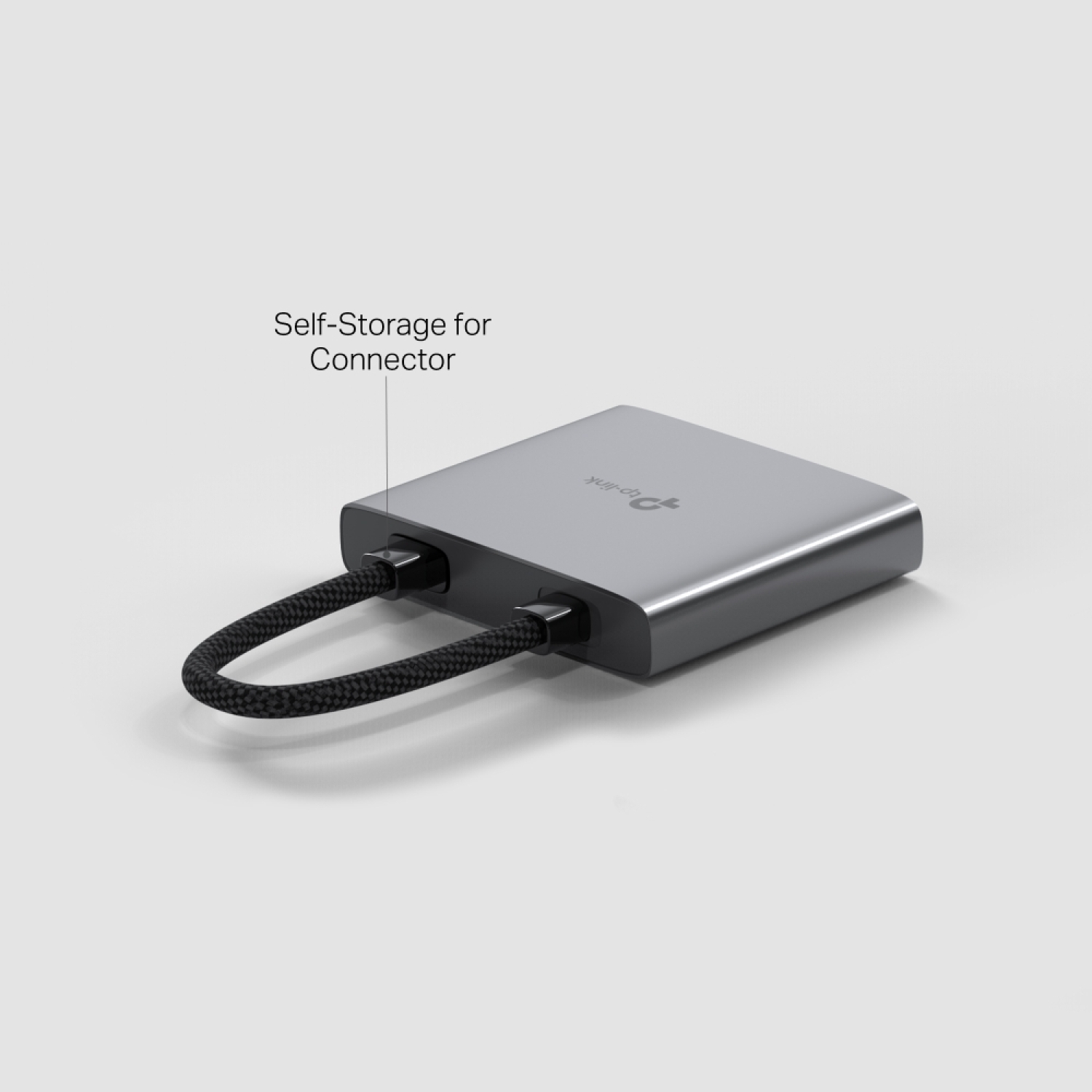
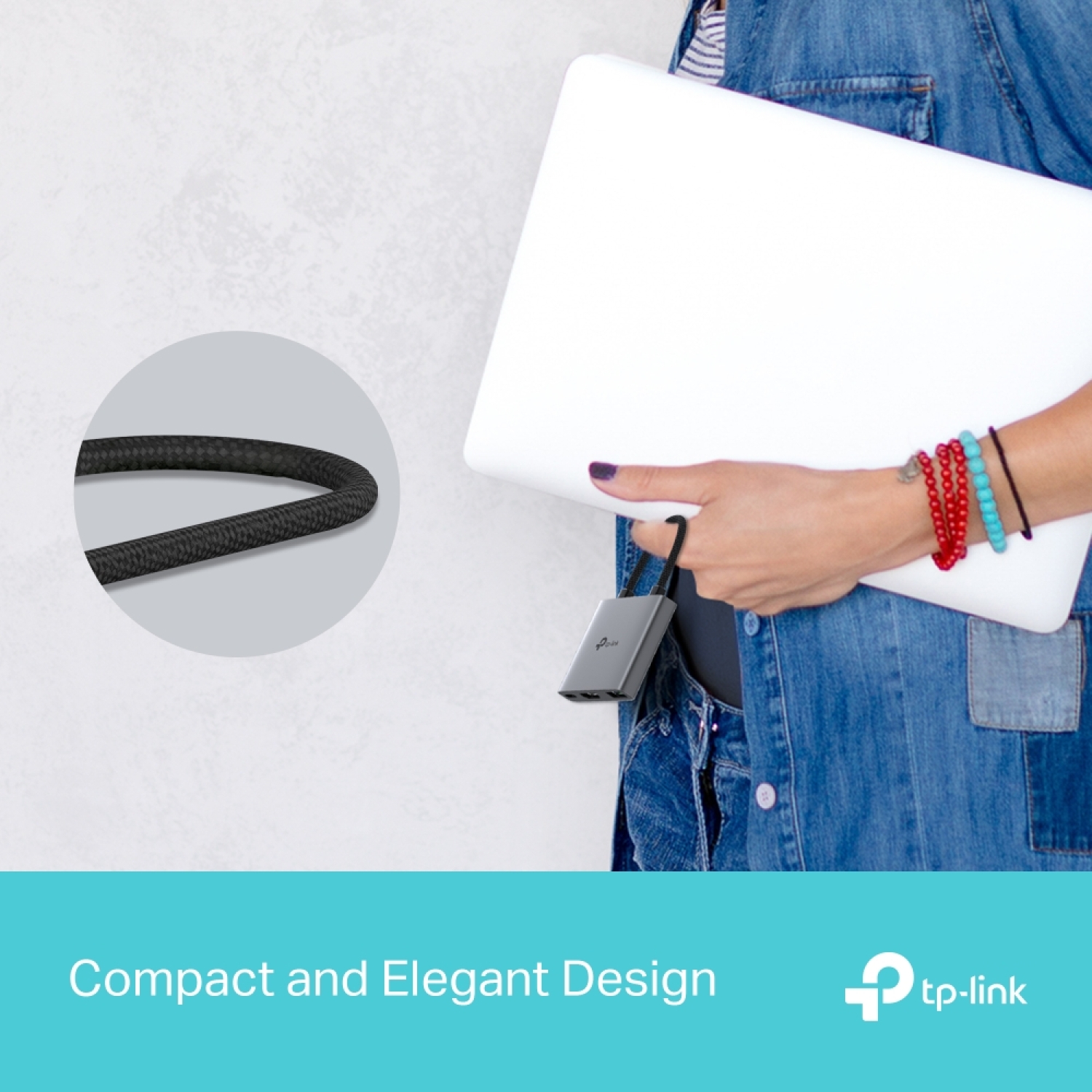
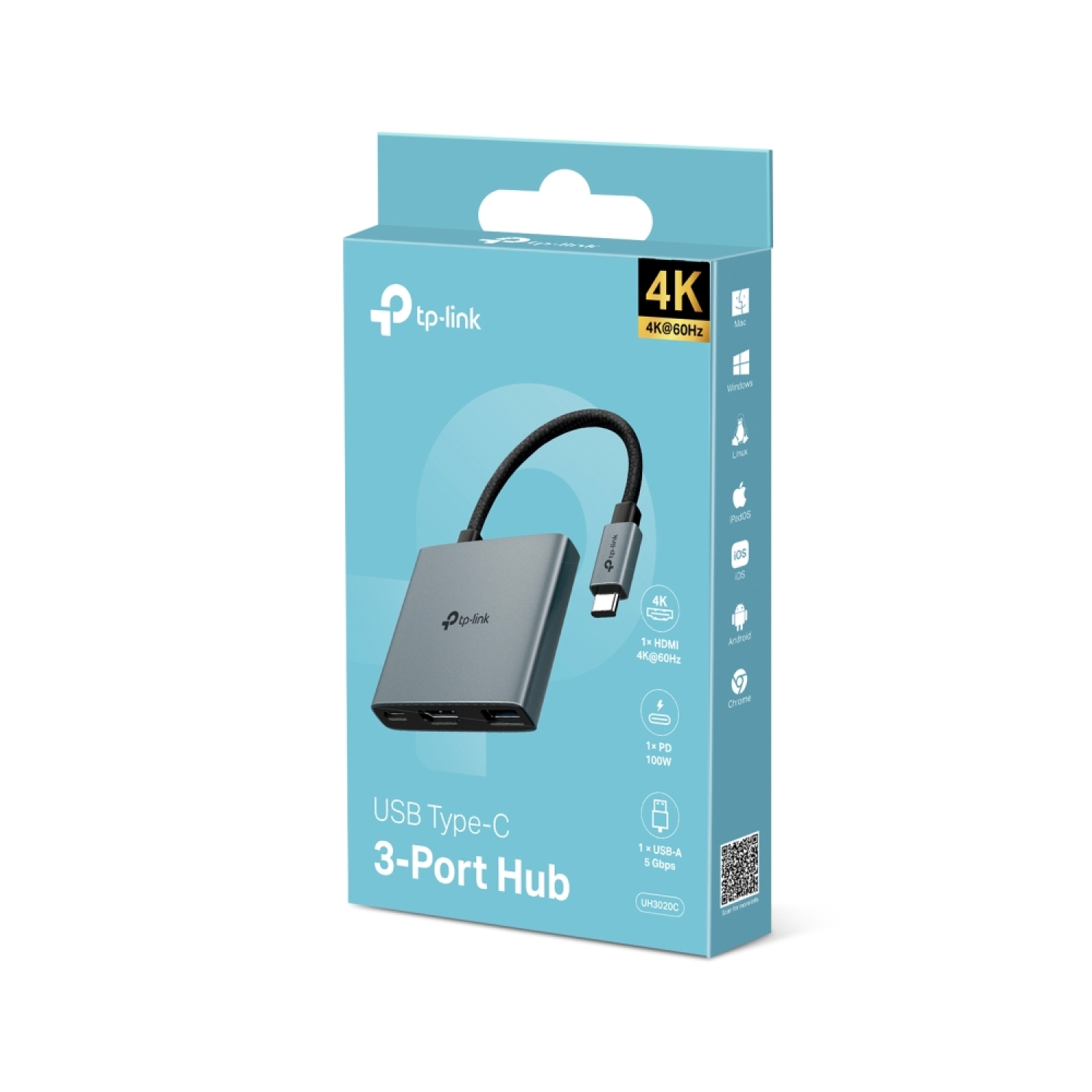
The TP-Link USB Type-C 3-in-1 Hub, model UH3020C, is a versatile and compact device designed to expand your connectivity options by turning a single USB-C port into three ports, including a 4K HDMI output.

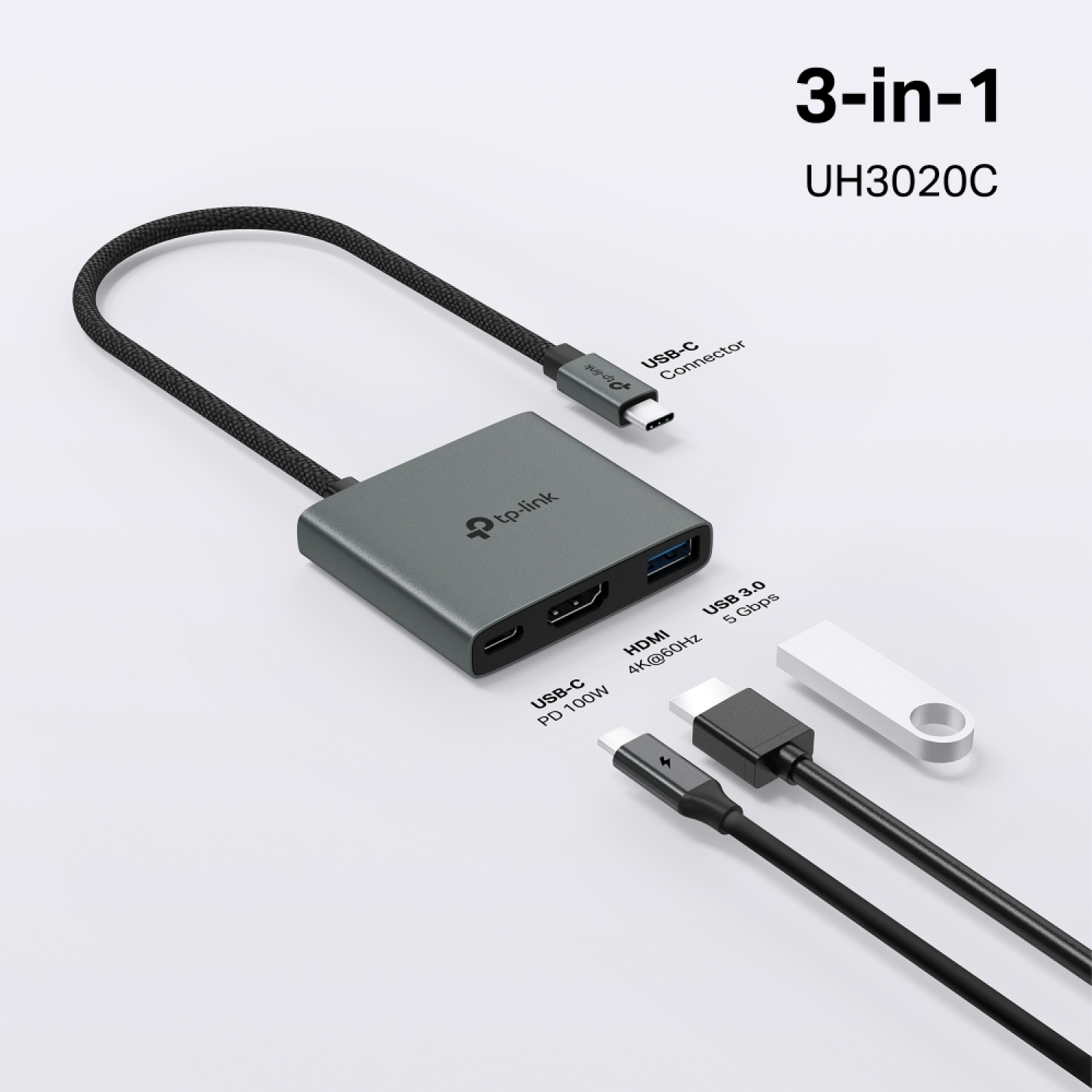
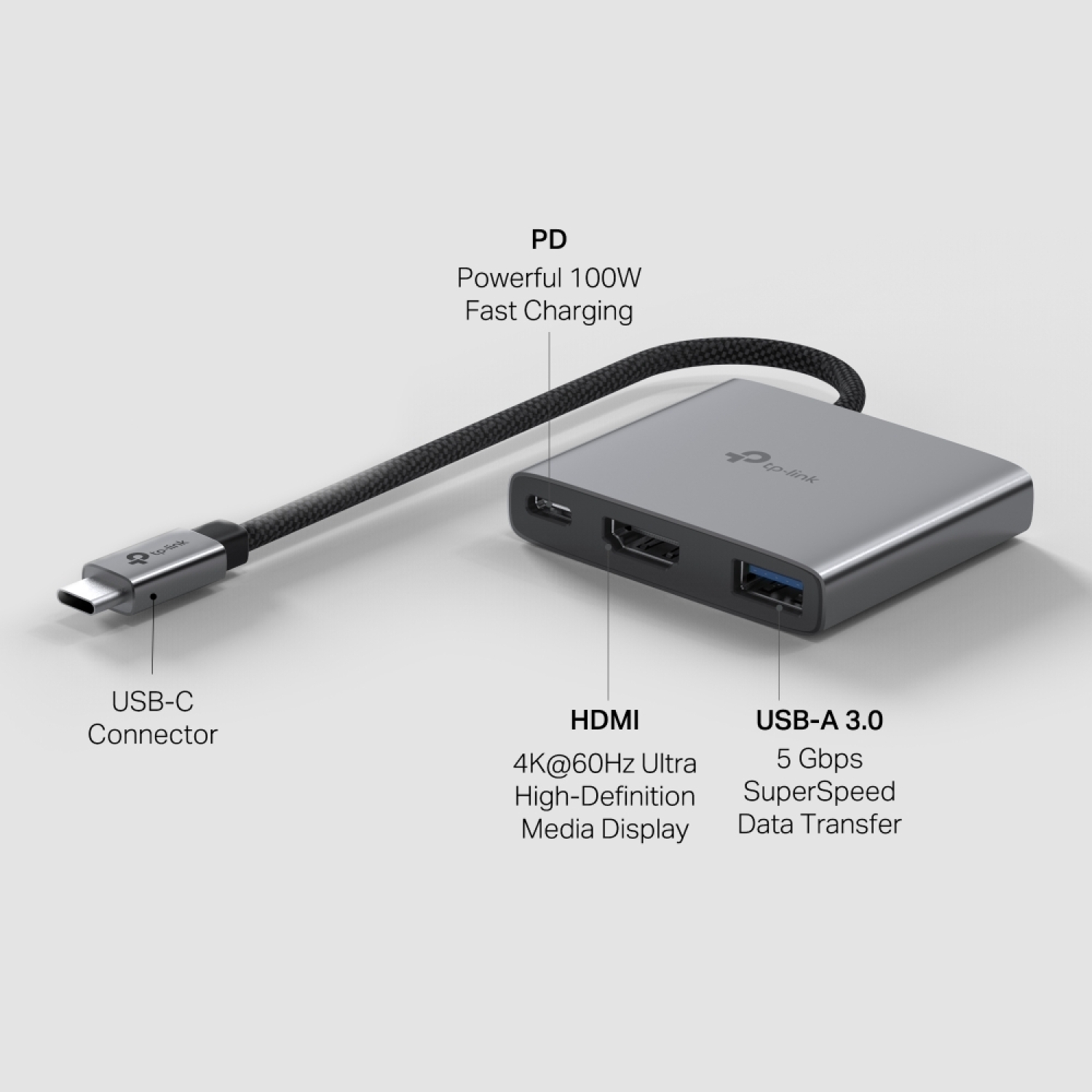
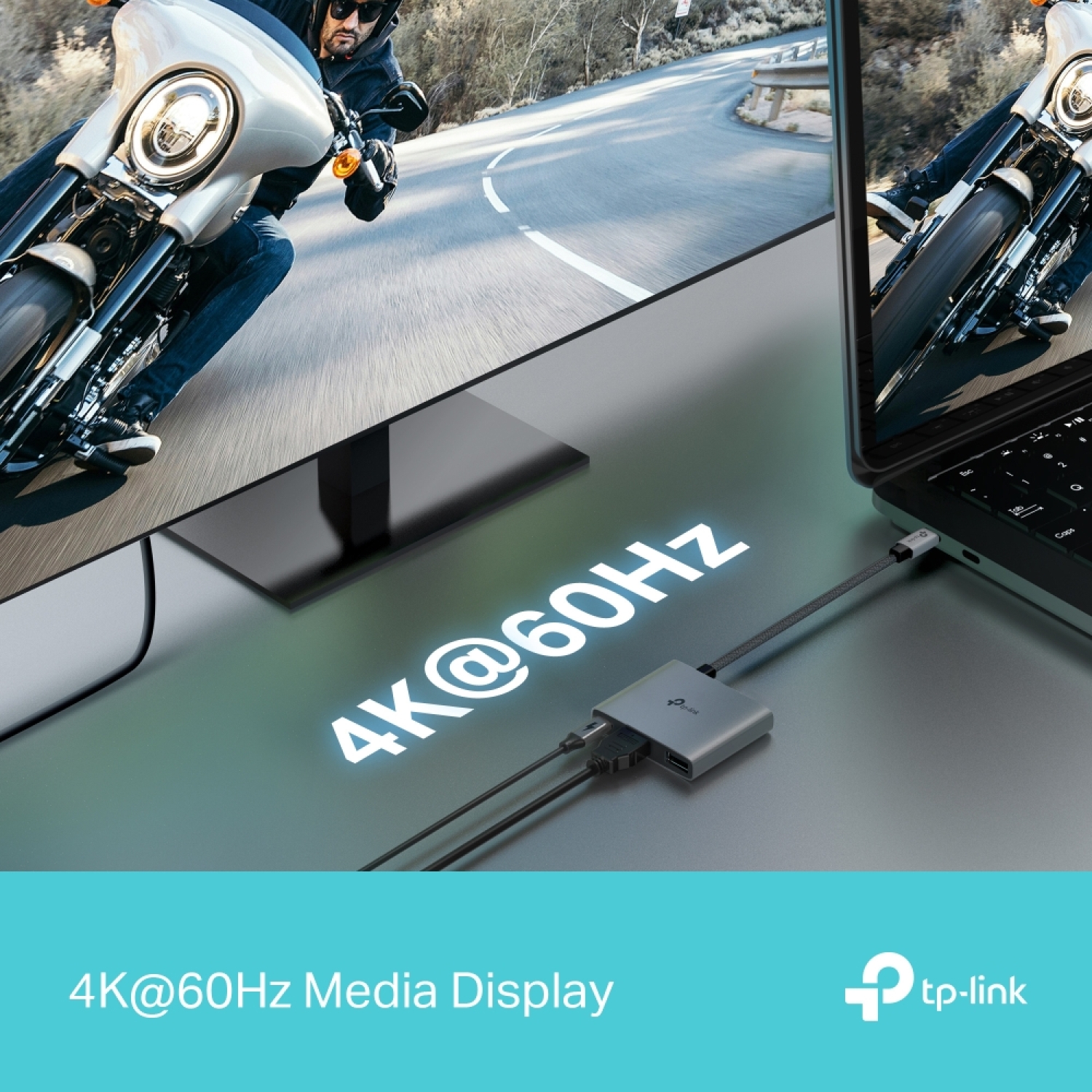
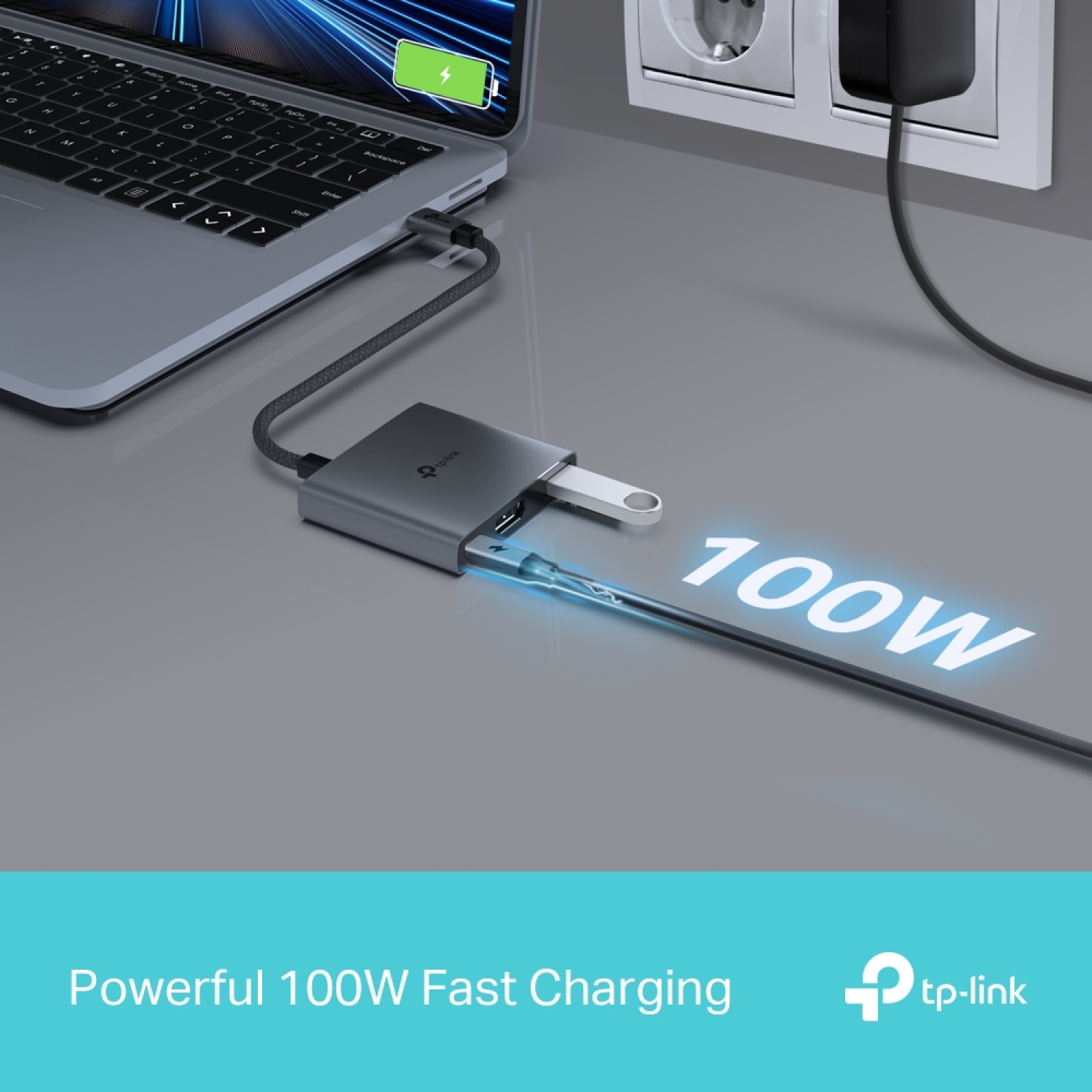
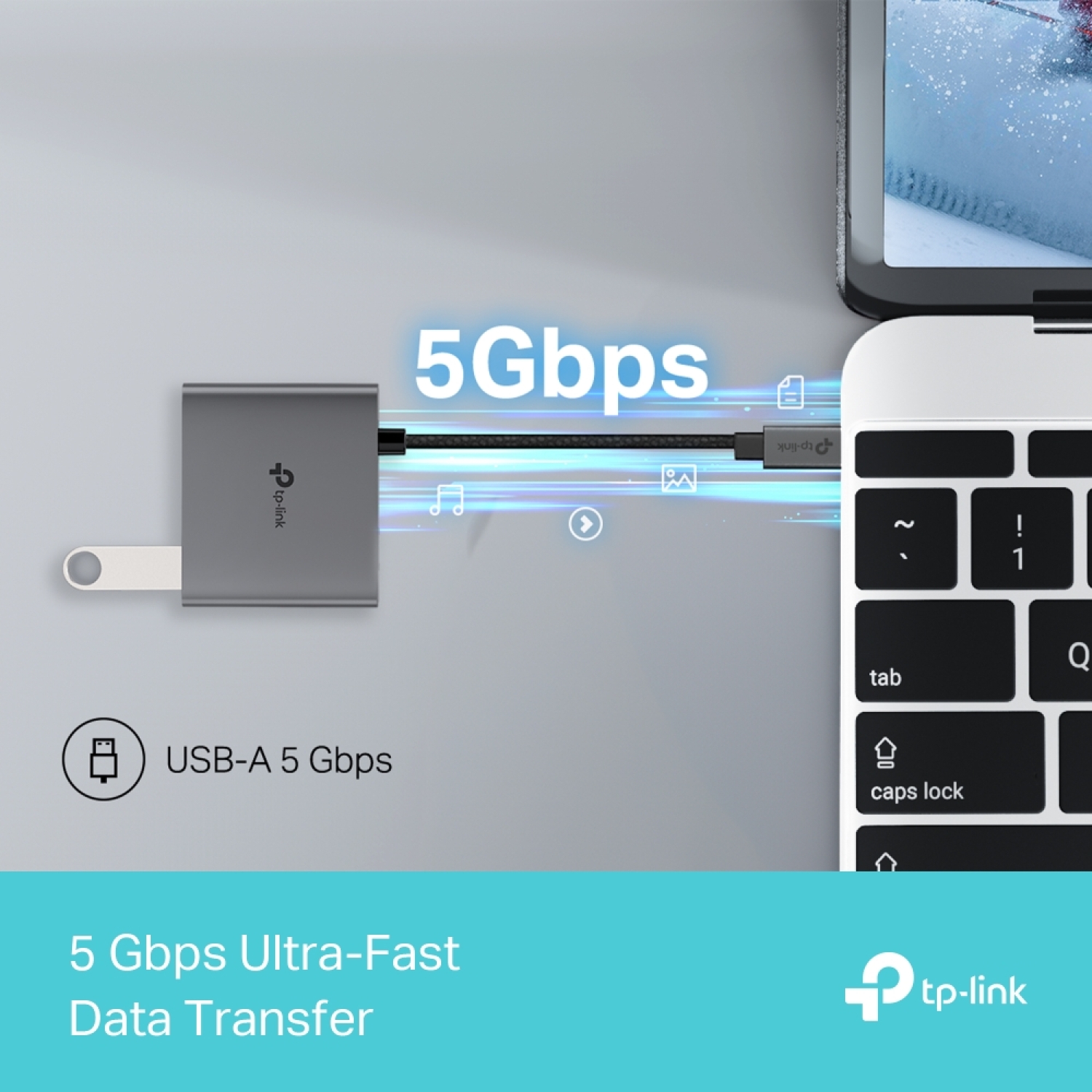
  • 3-in-1 USB-C Hub: The UH3020C transforms a single USB-C port into three ports featuring a 4K@60Hz HDMI, 100W Power Delivery, and a USB-A Data Port.
  • Ultra High-Definition Media Display: Connect to an external monitor via the 4K@60Hz HDMI port for an exceptional ultra high-definition experience.
  • Powerful 100W Fast Charging: Continuously deliver up to 100W of power to your PC while transferring files or streaming media by plugging the charging cable into the UH3020C.
  • 5 Gbps SuperSpeed Data Transfer: The UH3020C adds a USB 3.0 port, enabling fast data transfers at high speeds.
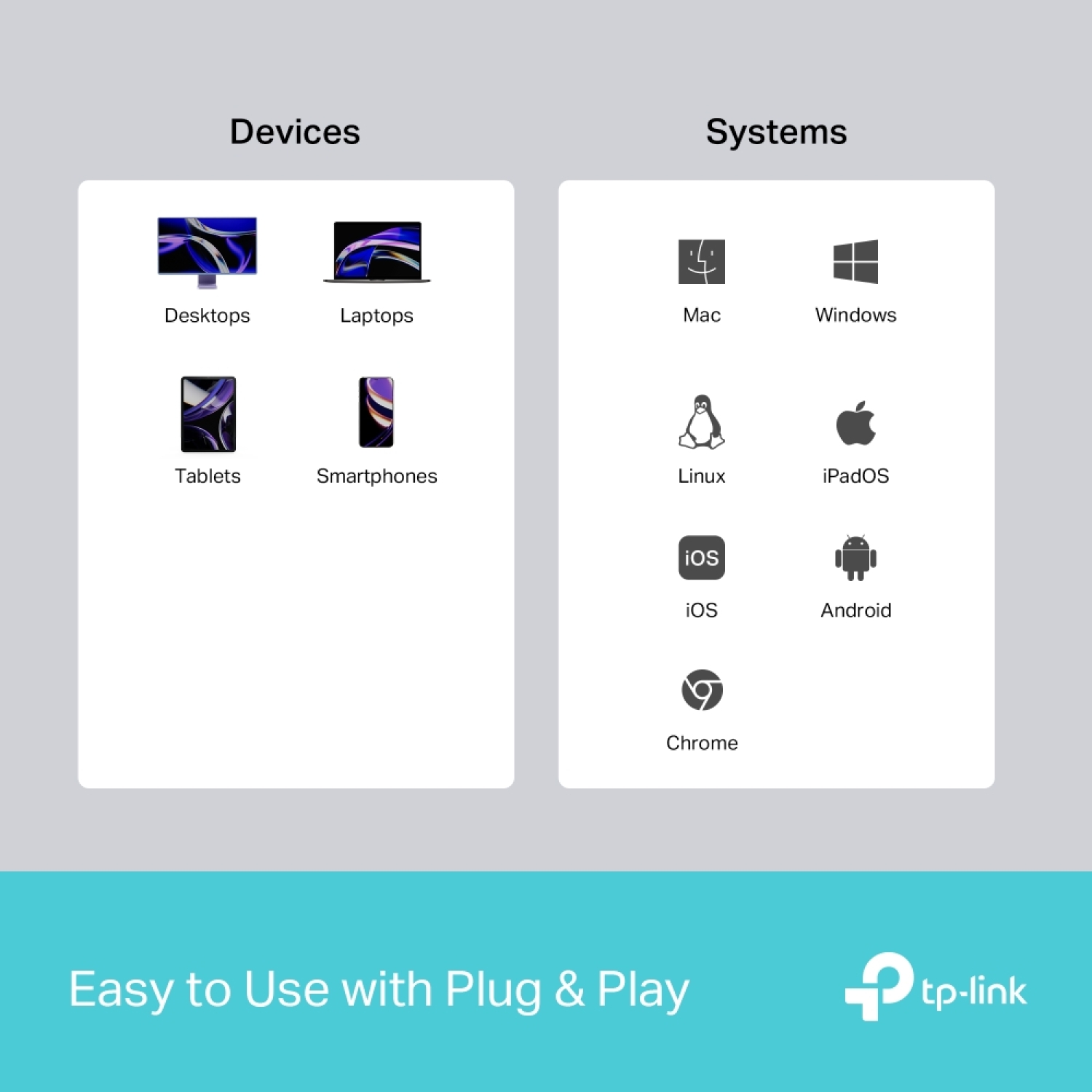
  • Easy to Use with Plug & Play: Achieve instant functionality with a simple plug-in; no driver installation is required for Mac OS, Windows 11/10/8.1/8/7, Linux OS, iPadOS, iOS, Android, and Chrome OS.

*Port transmission specifications are based on testing conducted by TP-Link laboratory. Actual transfer rates may vary depending on device conditions and environmental factors.

**For compatibility, you may need to update the hub's drivers following an OS update. Latest drivers are available on the TP-Link download center.