

0
0
*The image is illustrative and the product may differ from the one shown in the image

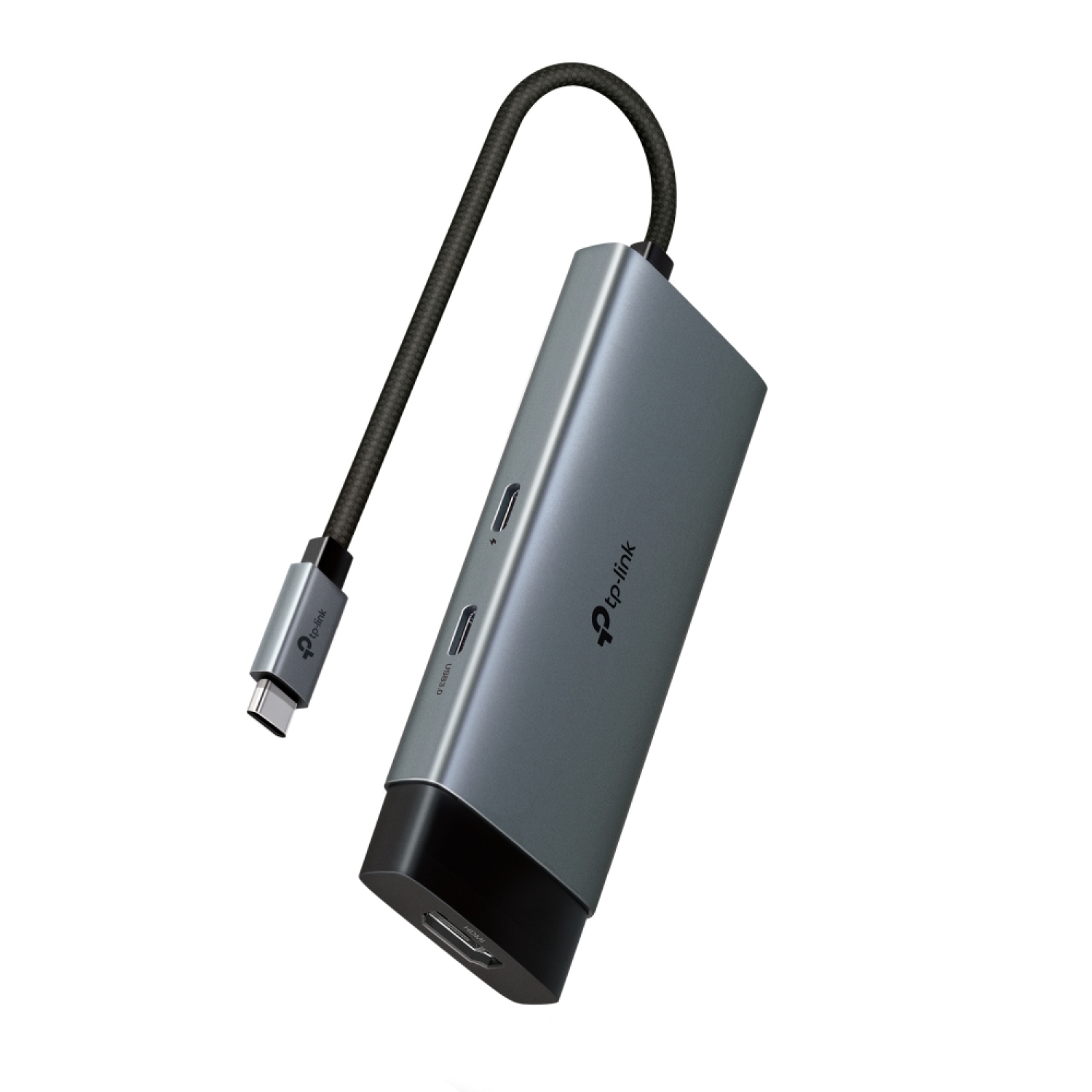
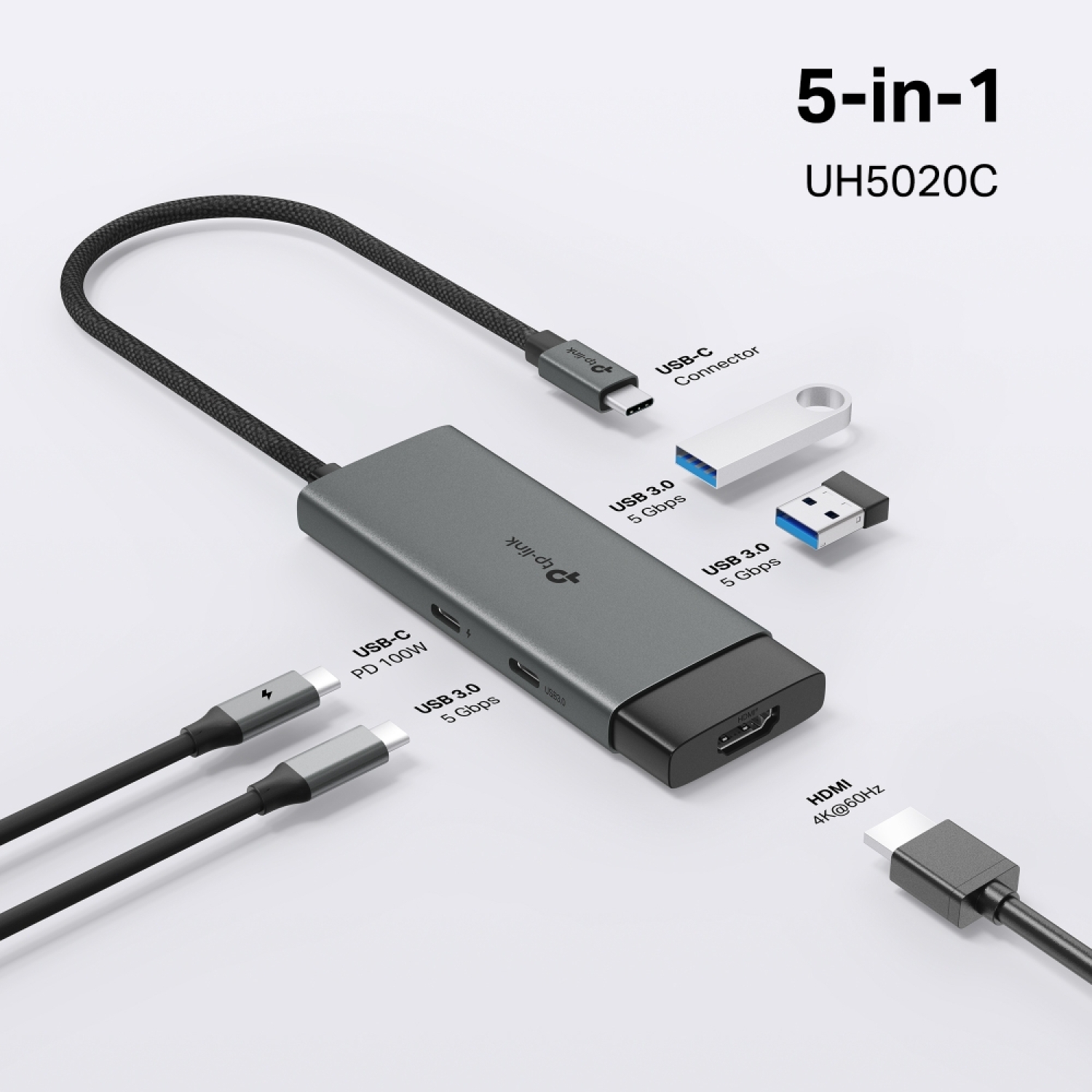
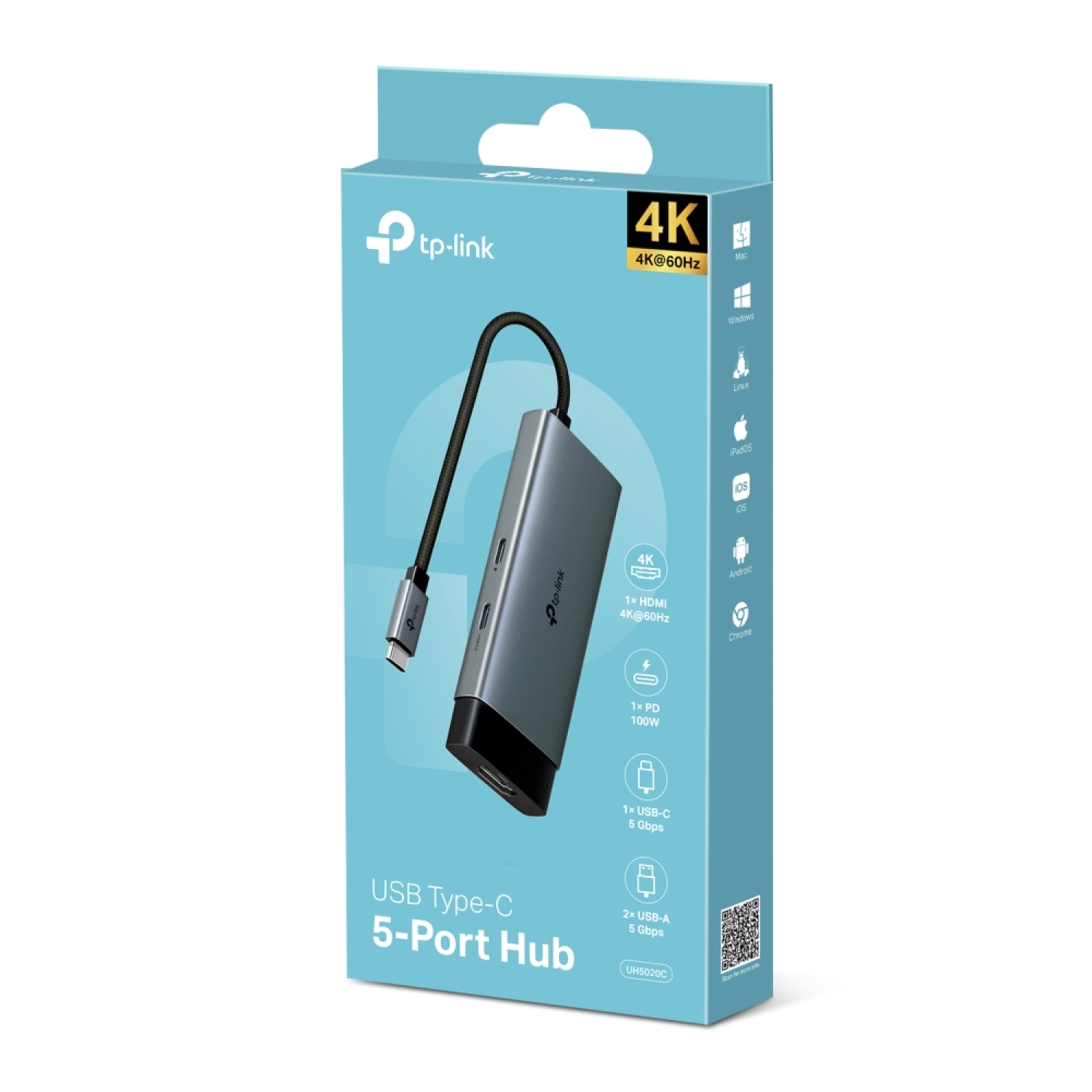
USB Type-C 5-in-1 Hub, TP-Link, UH5020C, 1*USB Type-C, 5, 1*HDMI 4K@60Hz, 1*PD 100W, 1*USB Type-C 5Gbps, 2*USB Type-A 5Gbps

Code:
UH5020C
24,50
Availability: available next business day
Ar kurjeru visā Latvijā
You will be contacted about delivery time. From 2,99 EUR

Piegādes punktos
Piegādes punktos
You will be contacted about delivery time. From 3,39 EUR
INSERV – Remtes street 21, Riga
Monday
8:00 - 17:00

Tuesday
8:00 - 17:00

Wednesday
8:00 - 17:00

Thursday
8:00 - 17:00

Friday
8:00 - 17:00

Saturday

Sunday
INSERV – Ulmana parks 2, Marupe
Monday
8:00 - 17:00

Tuesday
8:00 - 17:00

Wednesday
8:00 - 17:00

Thursday
8:00 - 17:00

Friday
8:00 - 17:00

Saturday

Sunday
TP-Link Read more
Reviews about us:
google.lt kaina24.lt
See a mistake? Let us know

Technical specification:

Type USB centrmezgls

Description:

The TP-Link UH5020C USB Type-C 5-in-1 Hub is an essential accessory that expands your device's connectivity options. With this hub, you can turn a single USB-C port into five versatile ports, perfect for data transfer, display, and charging.

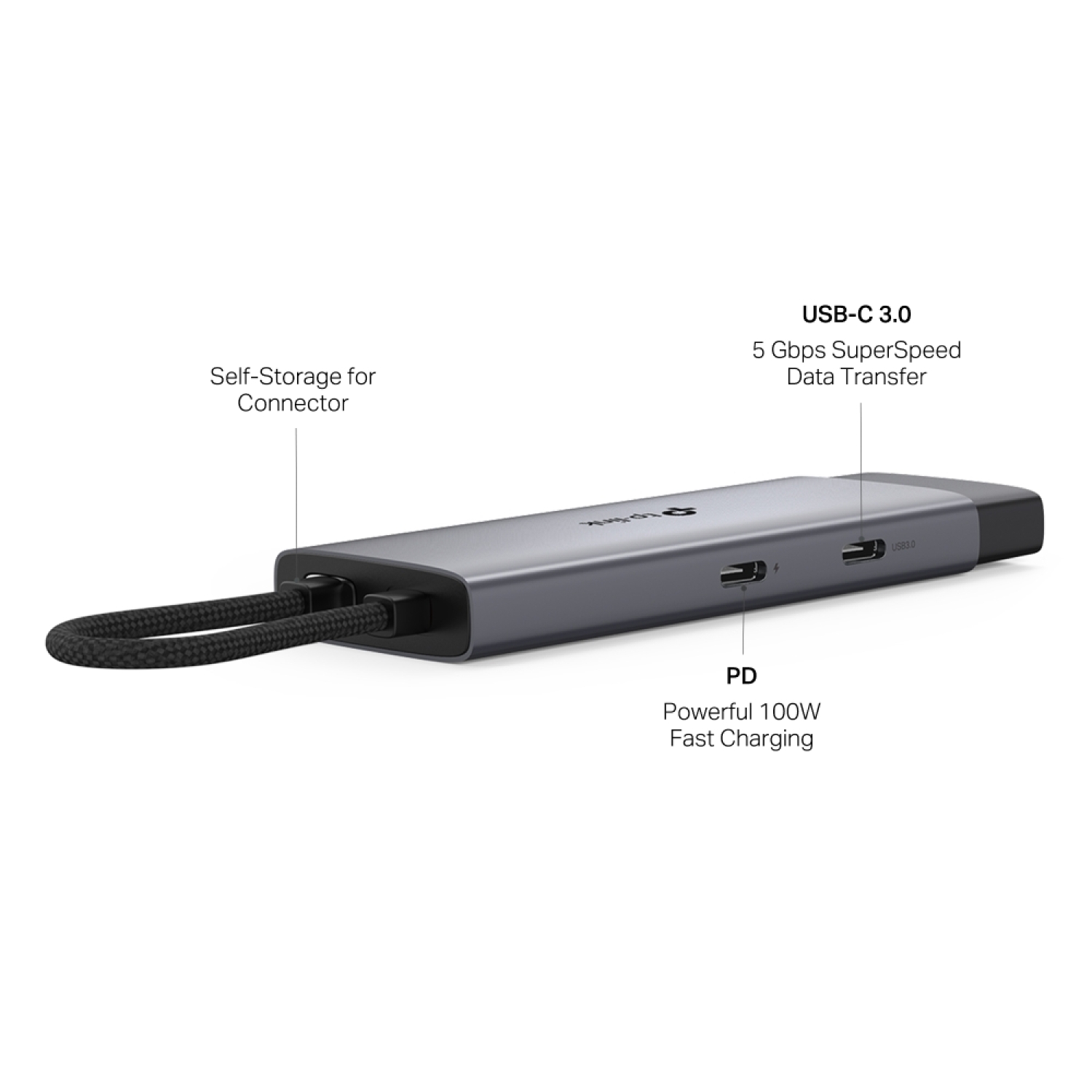
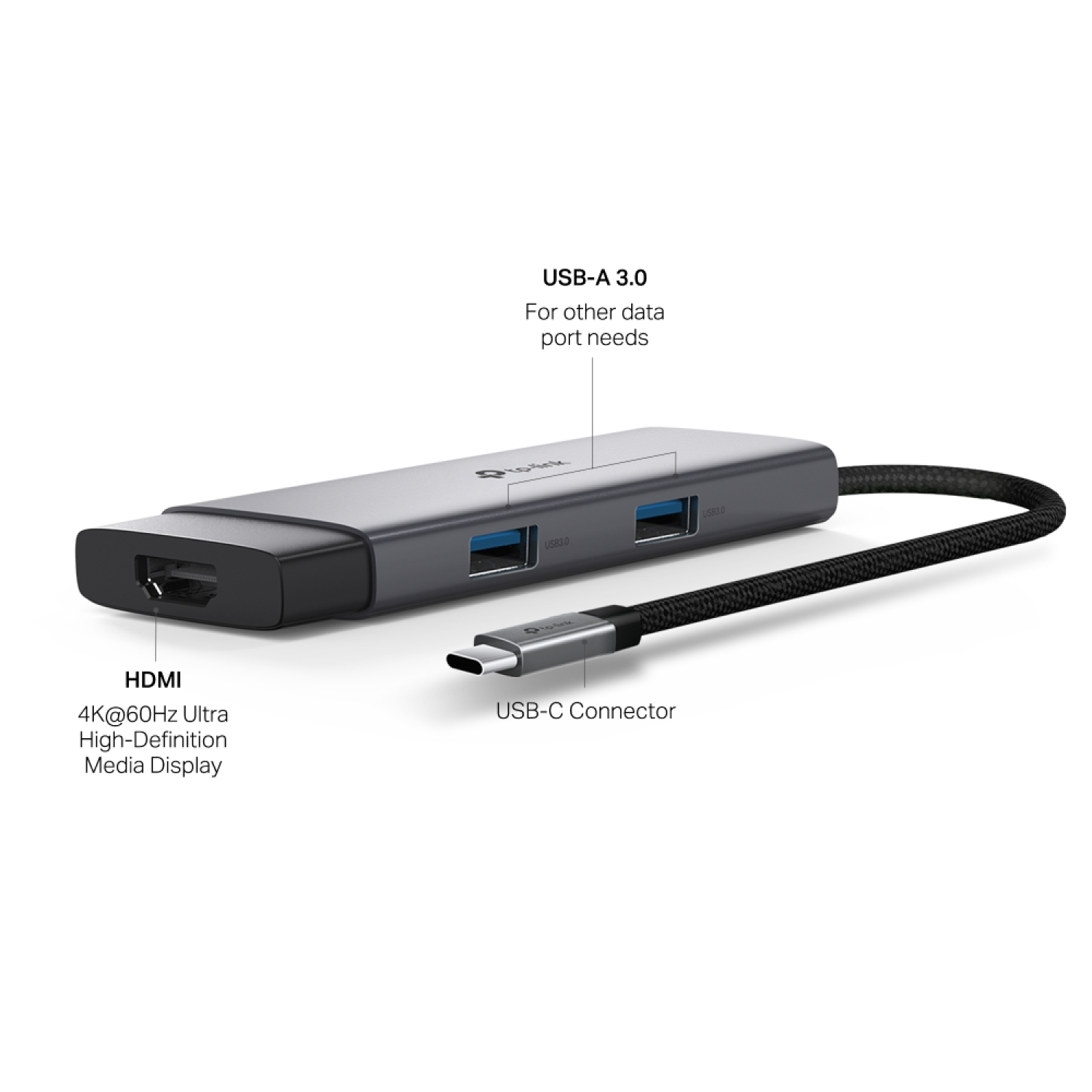
  • 5-in-1 USB-C Hub: The UH5020C transforms one USB-C port into five ports including a 4K@60Hz HDMI port, 100W Power Delivery, one USB-C Data Port, and two USB-A Data Ports.
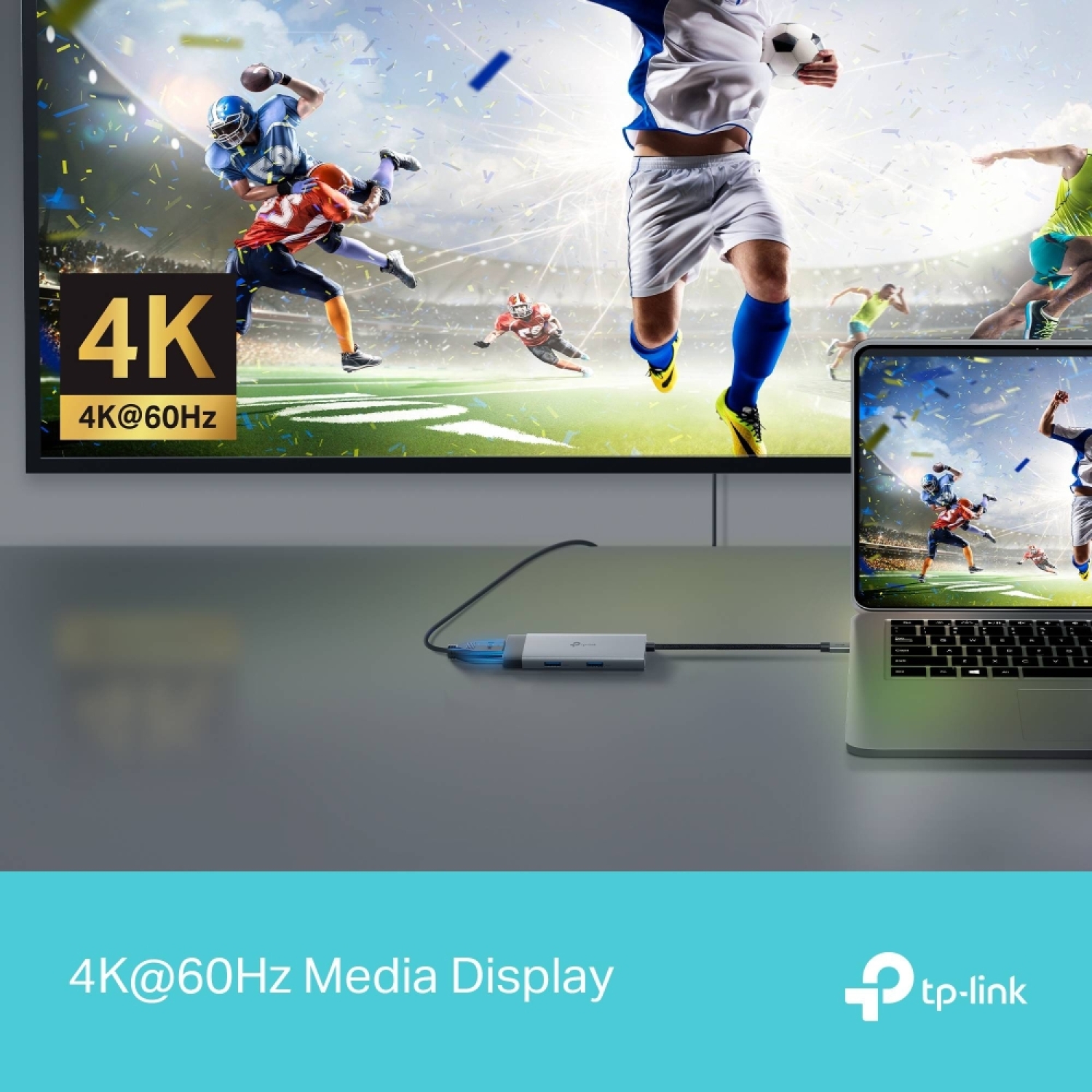
  • Ultra High-Definition Media Display: Utilize the 4K@60Hz HDMI port to connect an external monitor, ensuring a stunning ultra high-definition viewing experience.
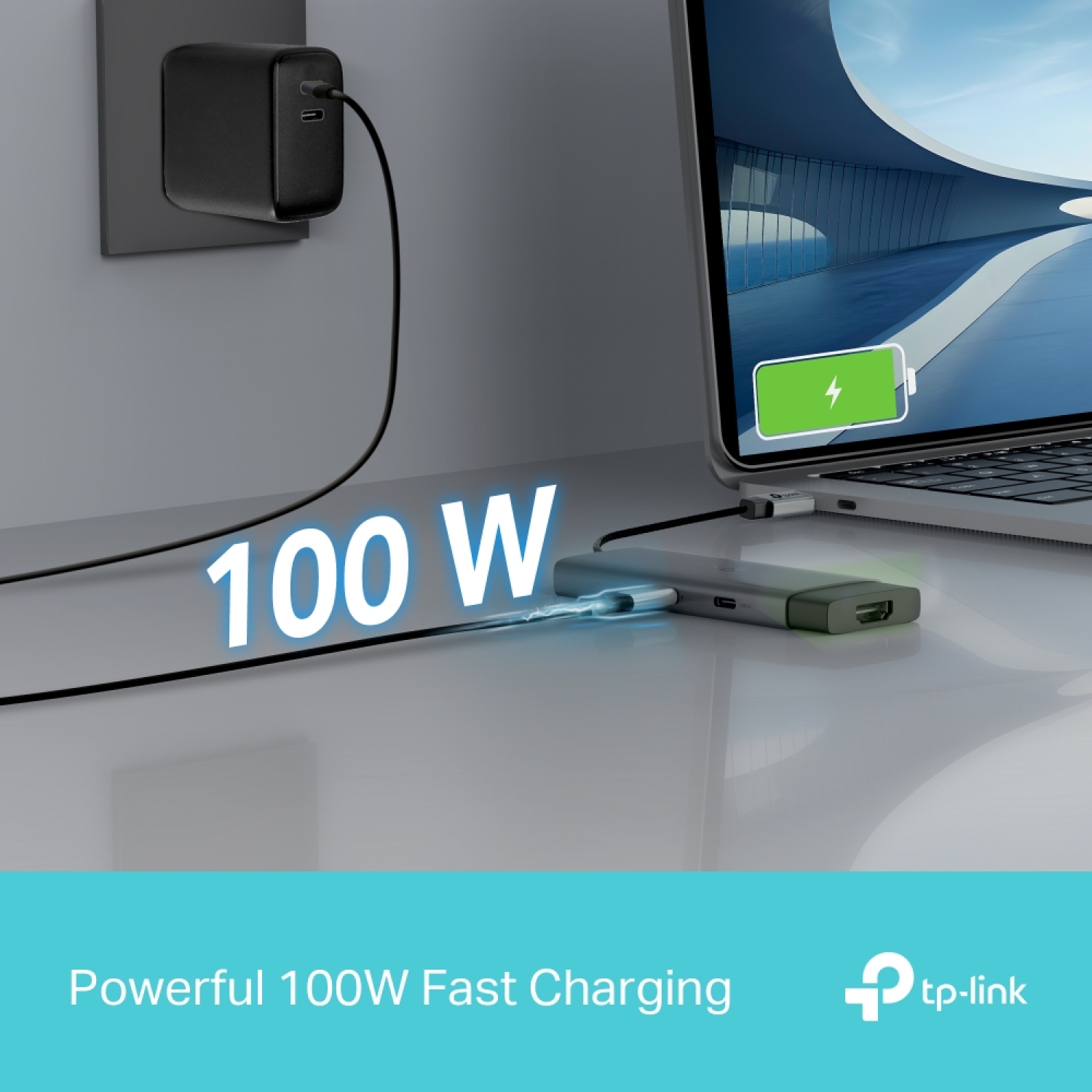
  • Powerful 100W Fast Charging: Connect the charging cable to the UH5020C to supply up to 100W of power to your PC, allowing you to charge and transfer files simultaneously.
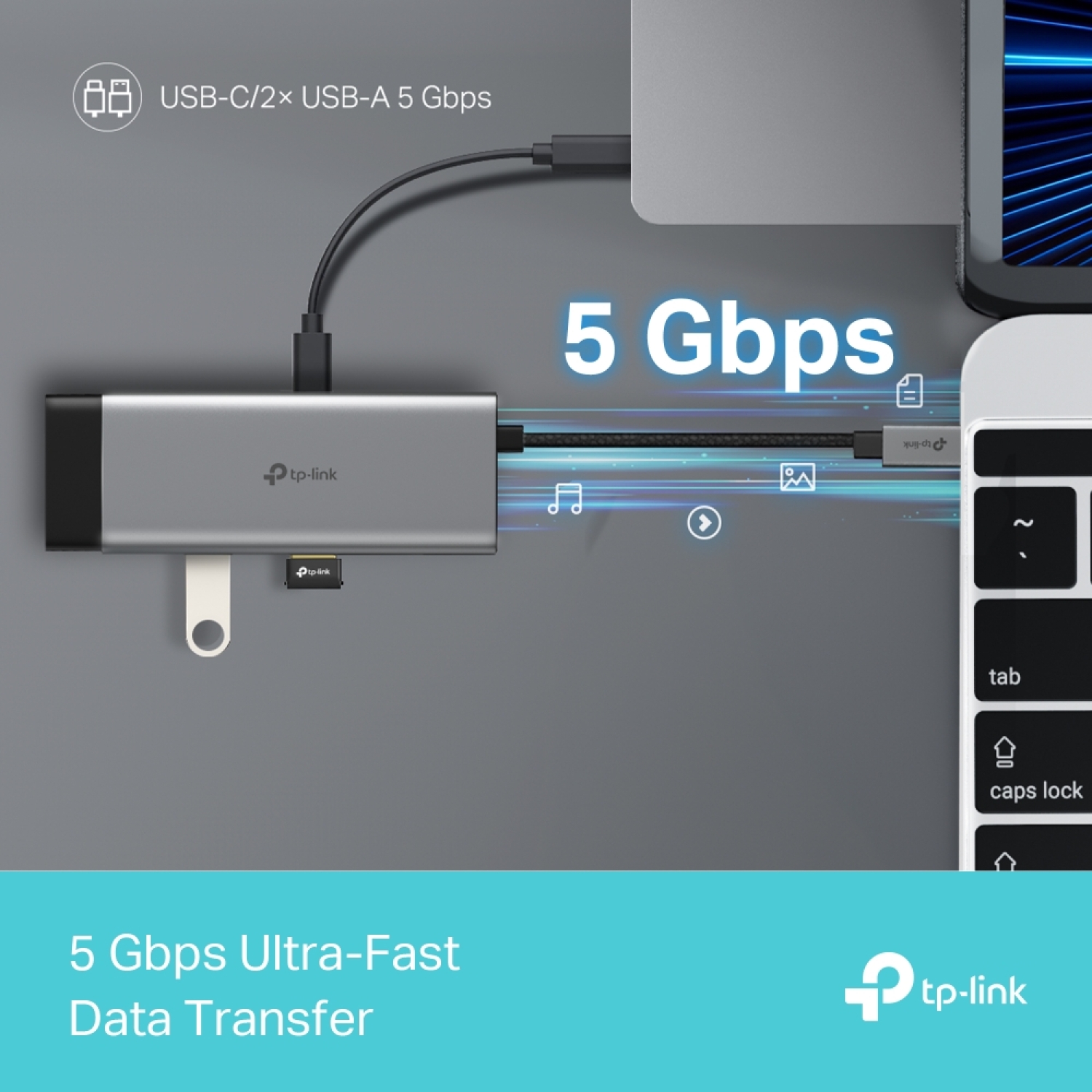
  • 5 Gbps SuperSpeed Data Transfer: Add three USB 3.0 ports to your device, enabling the simultaneous use of multiple USB devices for efficient data management.
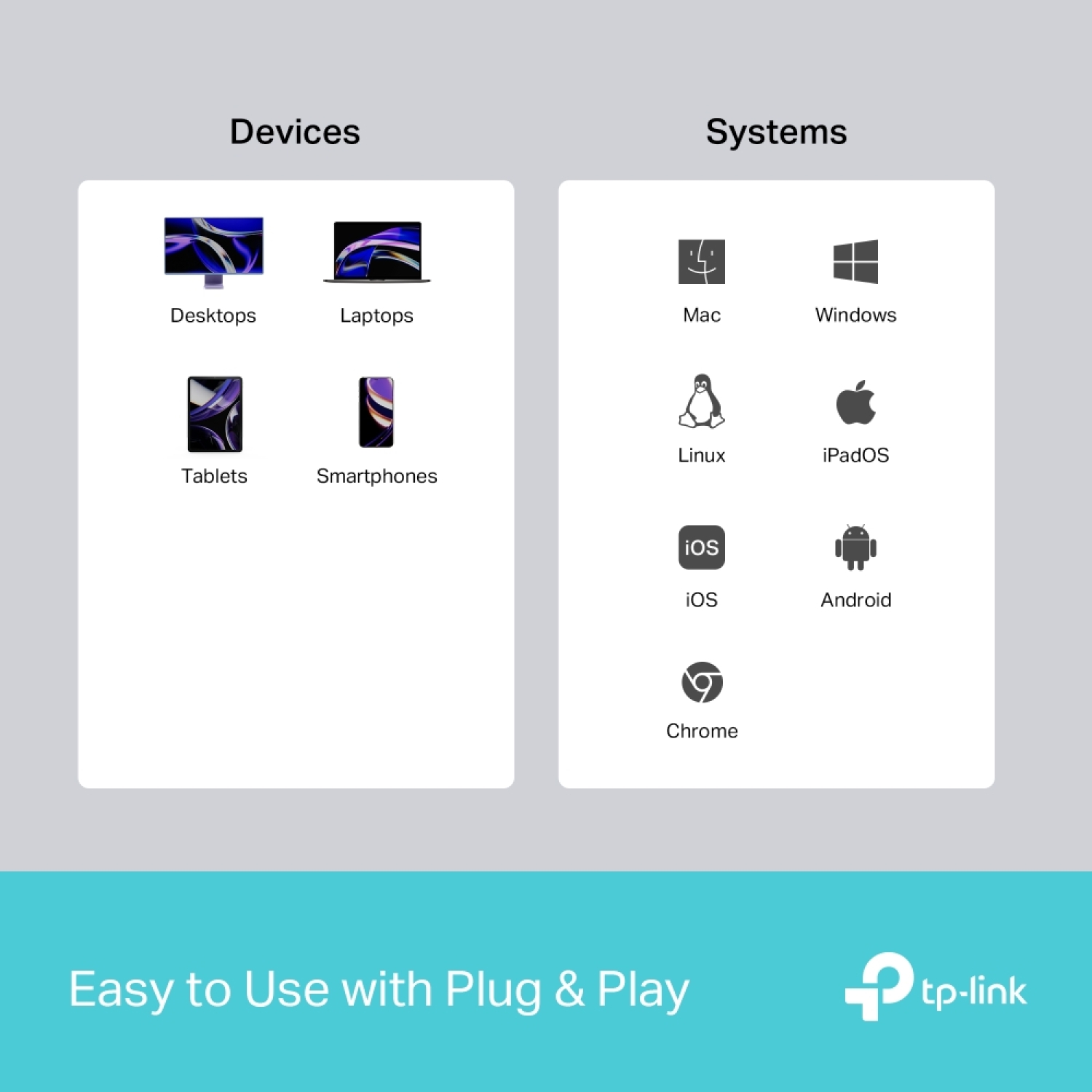
  • Easy to Use with Plug & Play: Simply plug in the hub for immediate use without needing to install drivers on macOS, Windows, Linux, iPadOS, iOS, Android, or Chrome OS.

*Port transmission specifications are based on testing conducted by TP-Link laboratories. Actual transfer rates may vary depending on device conditions and environmental factors.

**For compatibility, driver updates may be necessary after an OS upgrade. Visit tp-link.com/en/download-center for the latest drivers.