

|
Ar kurjeru visā Latvijā
|
You will be contacted about delivery time. | |
|
|
|||

|
Piegādes punktos
|
You will be contacted about delivery time. | |
 Read more


| Type | Monitors |
| Color | Black |
| Reaction time, s | 5 |
| Resolution | 1920 × 1080 (Full HD) |
| Ekrāna diagonāle | 27 |
| Paneļa tips | IPS |
| Atsvaidzināšanas frekvence, Hz | 100 |
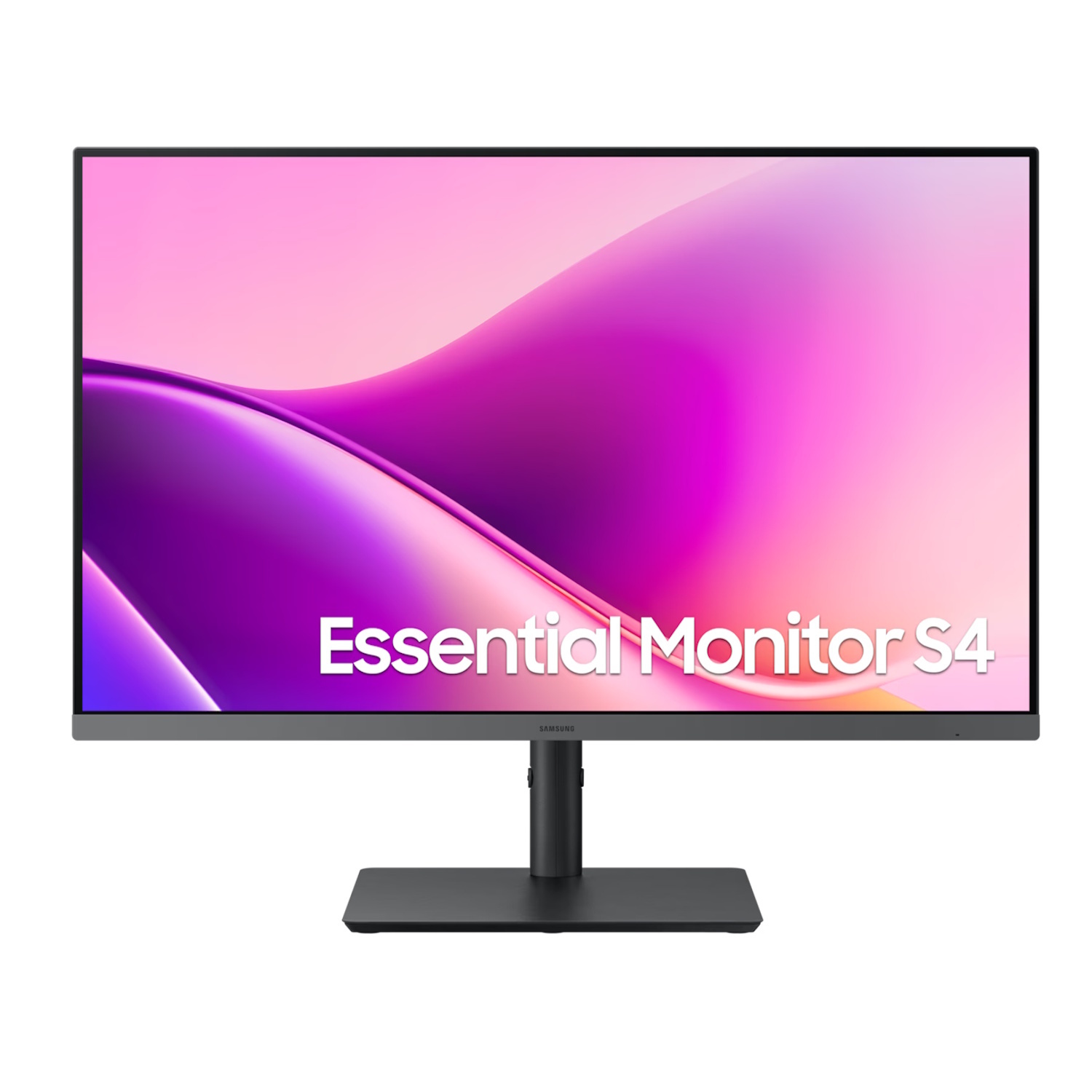
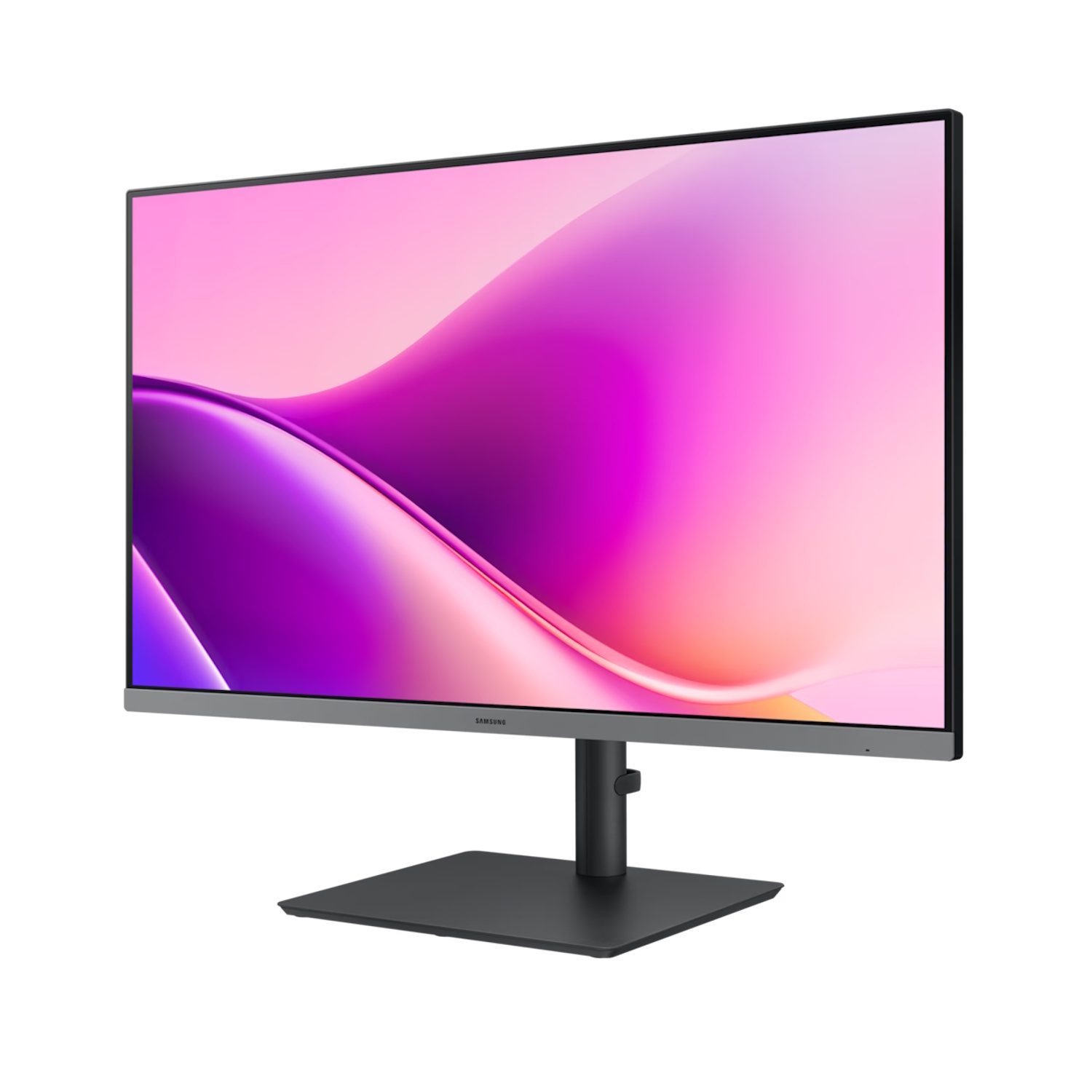
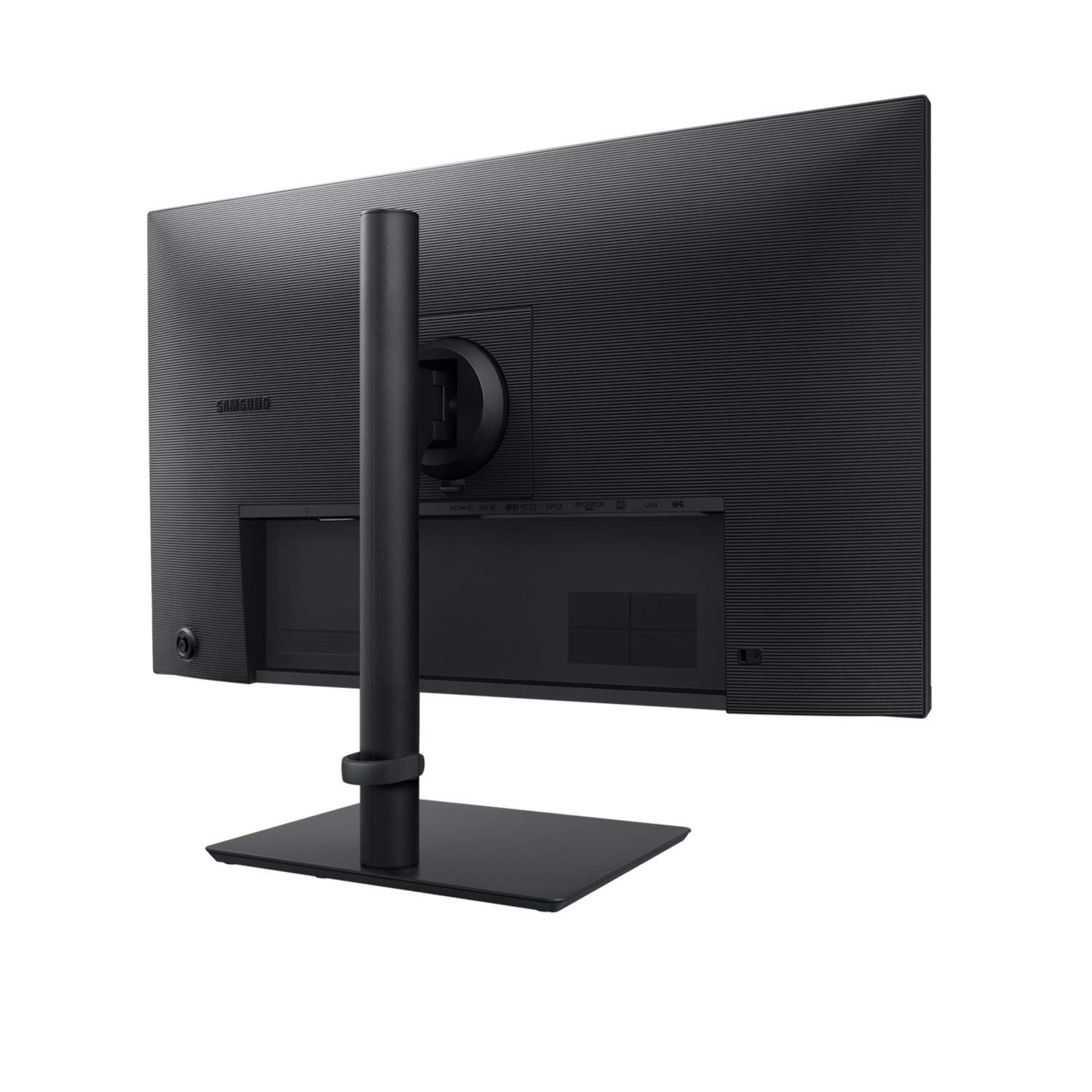
Samsung Essential S4 LS27F434UAUXEN is a 27-inch IPS LCD monitor with Full HD (1920 × 1080) resolution, offering excellent image quality for everyday use, wide viewing angles, and a refresh rate of up to 100 Hz. Designed for productivity, multimedia content, and enhanced visual comfort in daily tasks.
Key Advantages
27″ Full HD (1920 × 1080) → clear and detailed image for everyday content
IPS panel → wide viewing angles and stable colors from different viewpoints
100 Hz refresh rate → smoother motion compared to standard 60 Hz monitors
5 ms response time → reduced motion blur in dynamic scenes
300 cd/m² brightness → sufficient brightness for typical lighting conditions
178°/178° viewing angles → consistent image quality across wide angles
Eco Saving Plus and Eye Saver modes → improved eye comfort during long work sessions
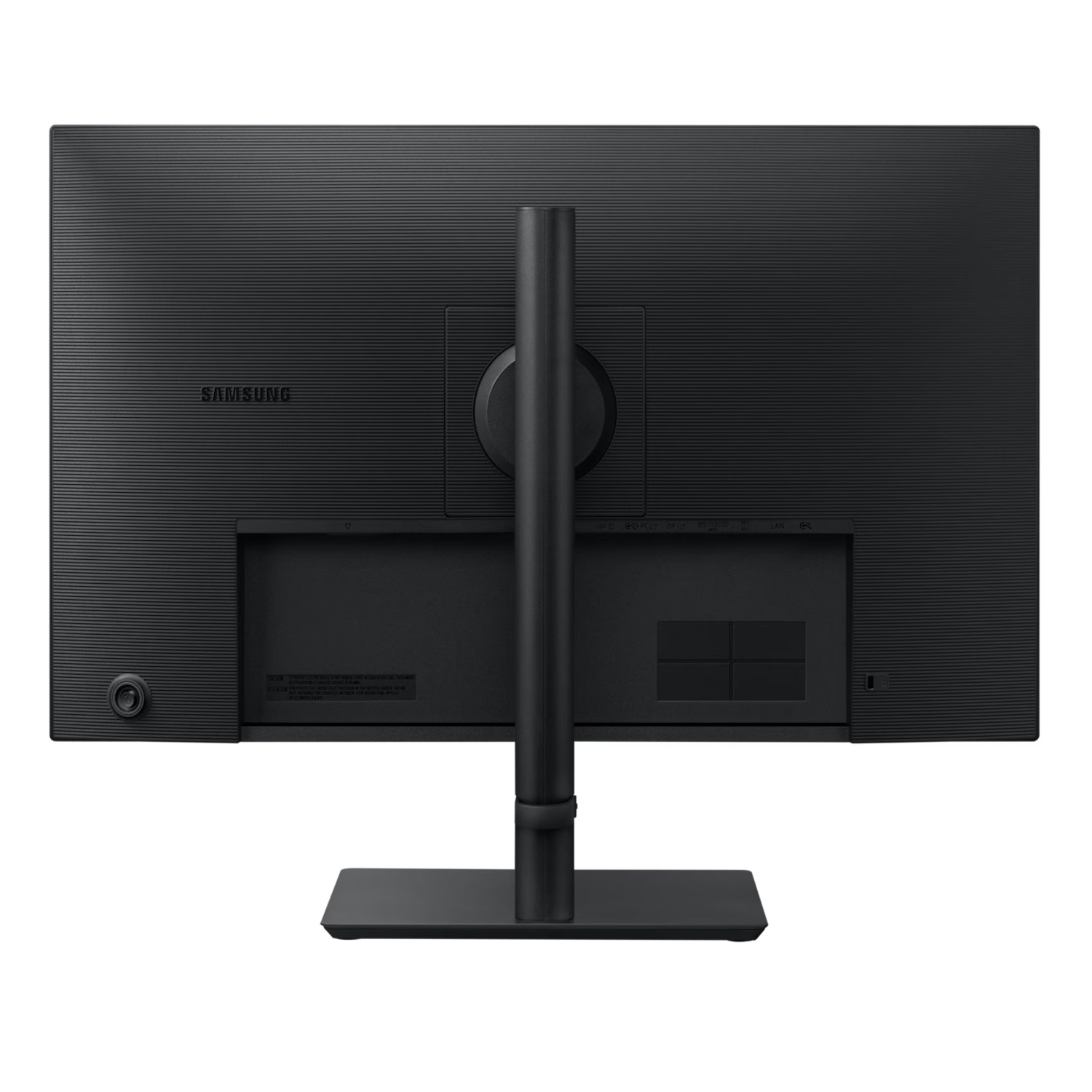
Multiple connectivity options (HDMI, DisplayPort, USB-C) → flexible device compatibility
USB-C with power delivery → convenient laptop connectivity
4× USB 3.2 Gen1 ports → expanded peripheral connectivity
Technical Specifications
Type → LCD monitor (IPS)
Model → LS27F434UAUXEN (Essential S4 27″)
Screen size → 27″
Resolution → 1920 × 1080 (Full HD)
Aspect ratio → 16:9
Panel type → IPS LCD
Refresh rate → 48–100 Hz
Response time → 5 ms (GtG)
Brightness (typ.) → 300 cd/m²
Static contrast ratio → 1000:1
Viewing angles (H/V) → 178°/178°
Color support → ~16.7 million / 99% sRGB
Ports → HDMI 1.4, DisplayPort 1.4, USB-C (with power delivery), 4× USB 3.2 Gen1
VESA mount → 100 × 100 mm
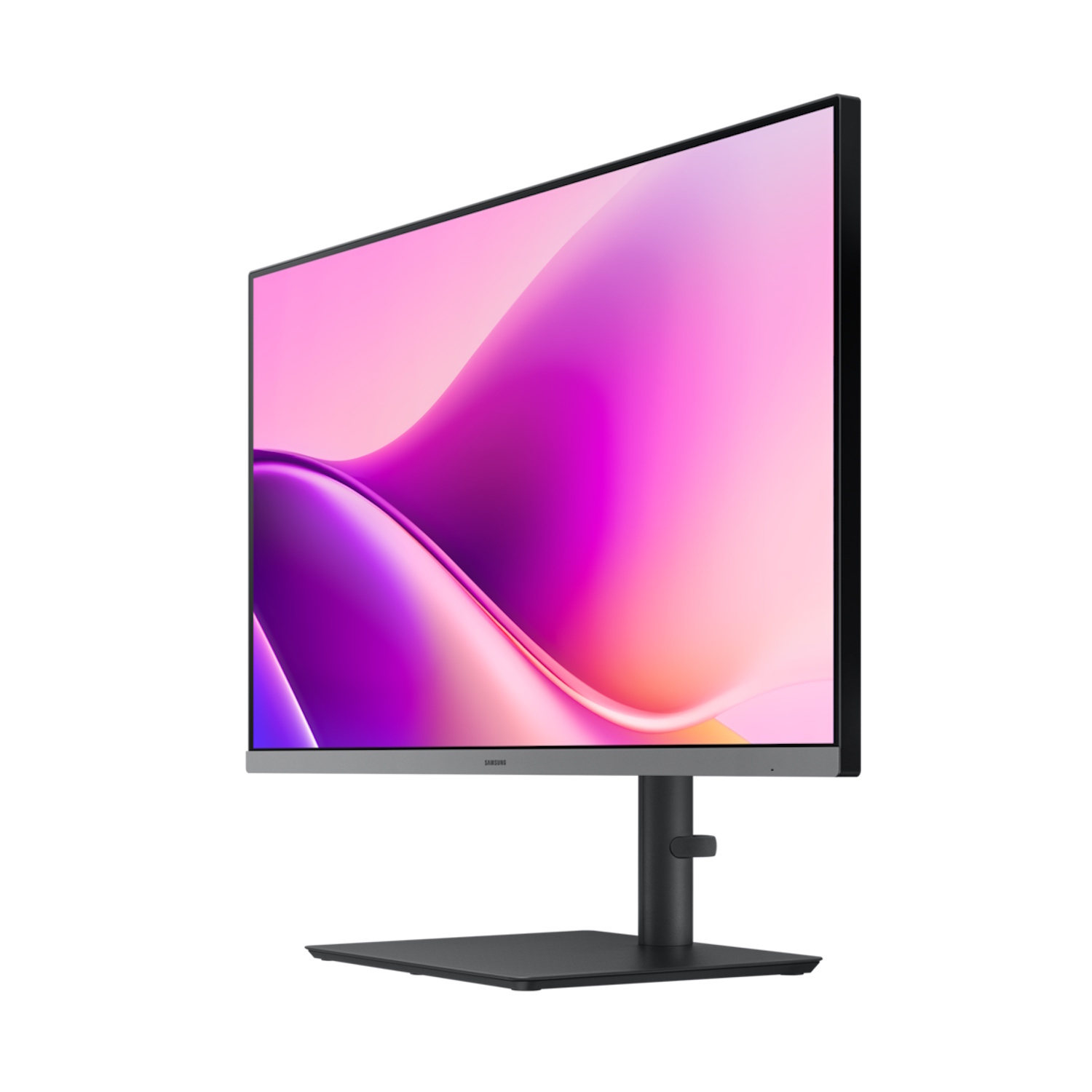
Stand → height, tilt, and pivot adjustable
Color → black
Compatibility
Compatible with desktops and laptops featuring HDMI, DisplayPort, or USB-C output
Compatible with operating systems supporting Full HD output
Not compatible with devices that do not support video output via HDMI/DP/USB-C or Full HD resolution
How to Use
Connect a laptop or desktop using an HDMI or DisplayPort cable
Connect USB-C or USB peripherals if required
Select Full HD (1920 × 1080) resolution on the connected device
Set the refresh rate to 100 Hz in graphics or monitor settings
Adjust brightness, contrast, and color profile
Use the ergonomic stand adjustments for comfortable viewing
Why Choose This Product
Samsung Essential S4 LS27F434UAUXEN offers a large screen, higher refresh rate, and extensive connectivity, making it a versatile monitor for work, study, multimedia use, and light gaming. The IPS panel, 5 ms response time, and fully adjustable ergonomic stand provide a clear and comfortable viewing experience for everyday use.
Real Usage Scenarios
Office work and document processing
Web browsing and email reading
Watching movies and videos in Full HD
Light graphic work or editing
Casual gaming with up to 100 Hz refresh rate
Multi-monitor work environments
Package Contents
Samsung Essential S4 LS27F434UAUXEN 27″ monitor
Stand and base
Power cable
HDMI/DisplayPort cable
Quick installation guide
About the Brand
The Samsung Essential S4 series is designed to meet everyday user needs by combining good visual quality, convenient connectivity, and ergonomic design. Focused on practicality, reliability, and accessibility, this series delivers an efficient and comfortable viewing experience for daily use.