

|
Su kurjeriu visoje Lietuvoje
|
Dėl tikslesnio pristatymo laiko, su Jumis bus susisiekta. | Iš 3,99 EUR |
|
|
|||

|
Atsiėmimo punktuose
|
Dėl tikslesnio pristatymo laiko, su Jumis bus susisiekta. | Iš 3,39 EUR |
 Skaityti daugiau


| Spalva | Balta; Mėlyna |
| Antenas | 2 |
| WAN ports | 1 × 10/100 Mbps |
| LAN porti | 1 |
| Bezvadu frekvences, GHz | 2.4 |
| Maksimālais bezvadu ātrums, Mbps | 300 |
| Protokols | IPv4; IPv6 |
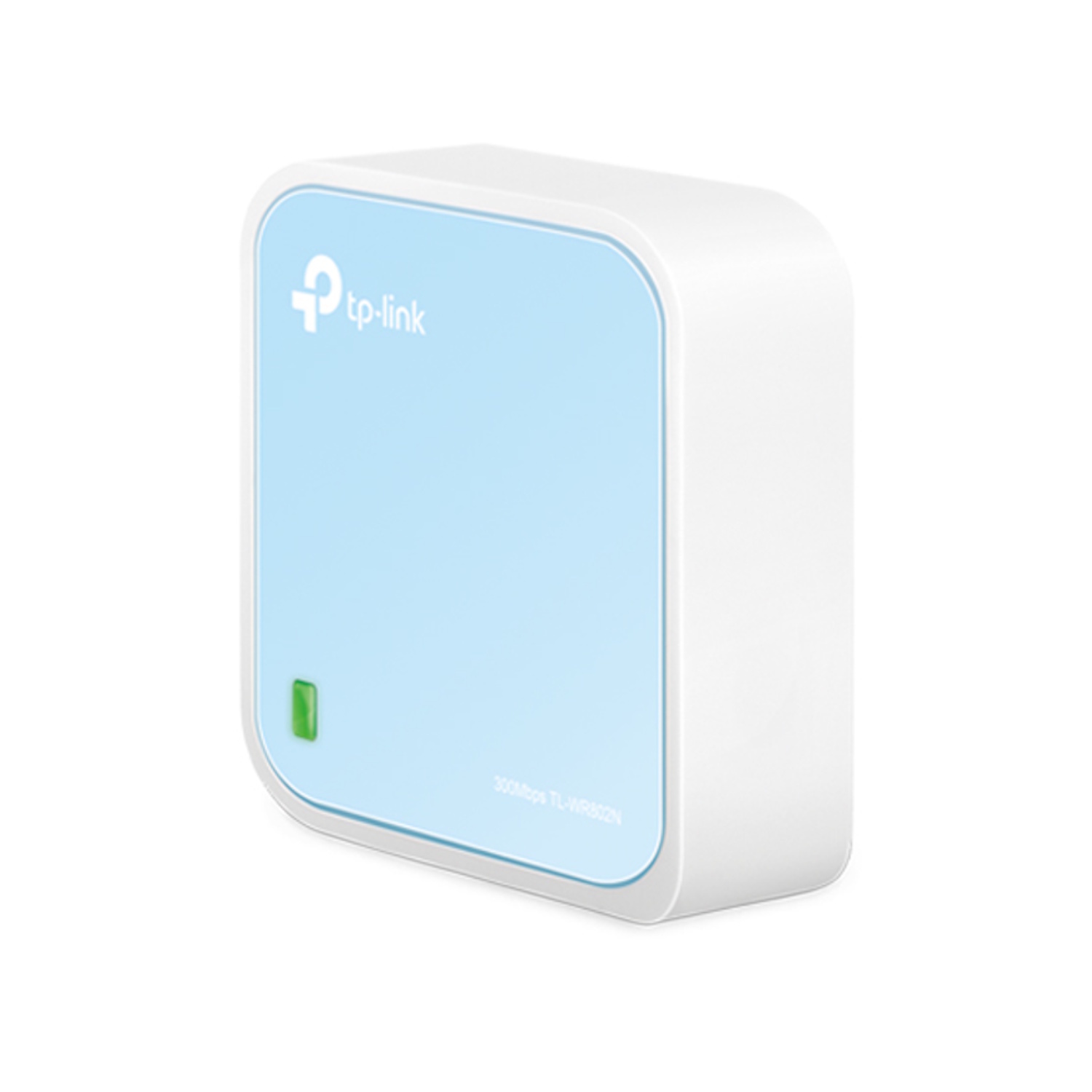
TP-Link TL-WR802N yra kompaktiškas belaidis Wi-Fi 4 / N300 kelionių klasės maršrutizatorius, užtikrinantis 300 Mbps belaidį greitį 2.4 GHz dažniu, turintis 1× 10/100 Mb WAN/LAN jungtį ir USB 2.0 maitinimą, skirtas naršymui internete, vaizdo transliacijoms ir Wi-Fi tinklo kūrimui tiek namuose, tiek kelionėse.
Pagrindiniai privalumai
300 Mbps Wi-Fi — stabilus belaidis ryšys HD vaizdo įrašams, žaidimams ir internetiniams skambučiams
Kompaktiškas kelionių dizainas — kišeninio dydžio, patogu transportuoti keliaujant ar dirbant
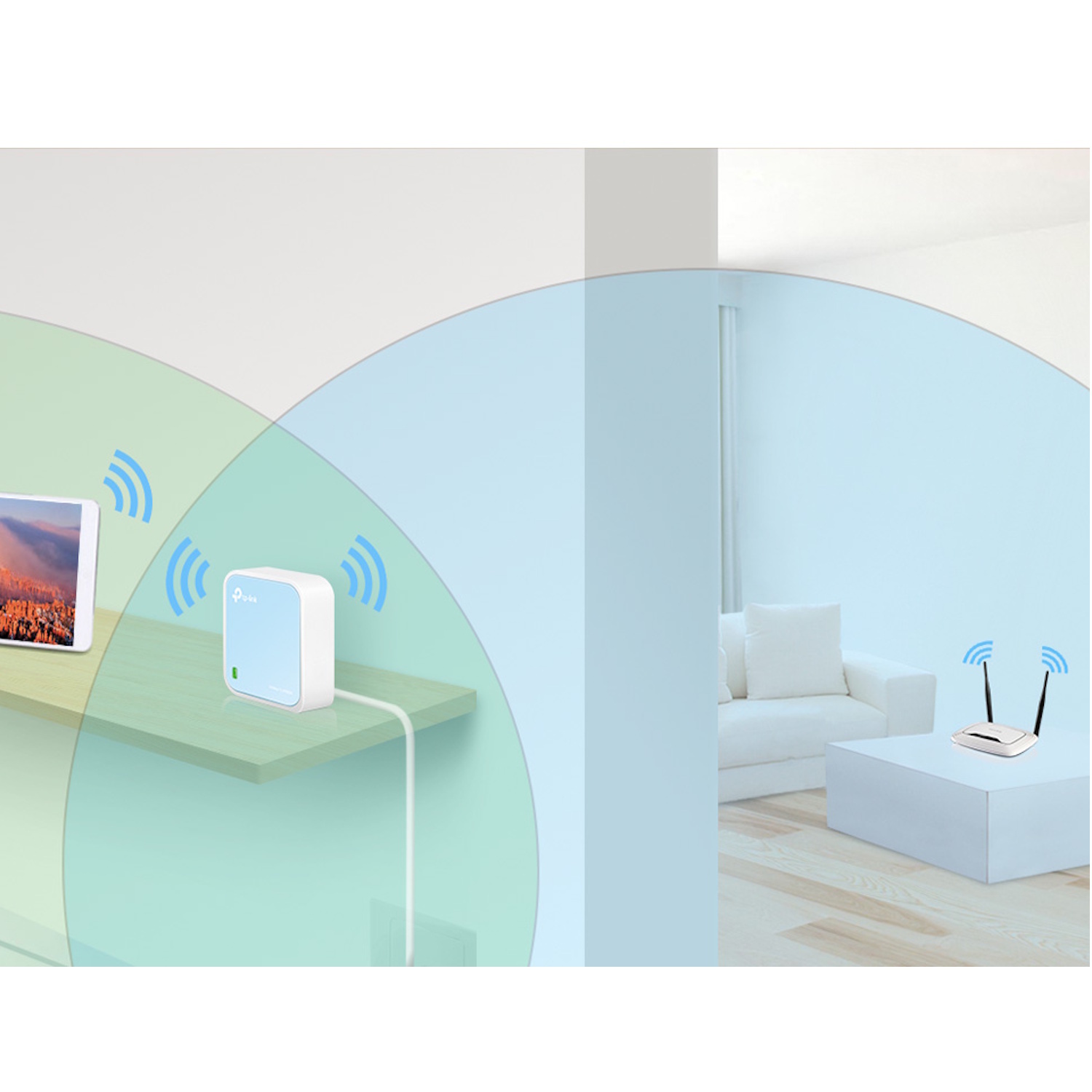
Daugiafunkciai režimai — Router, Access Point, Range Extender, Client ir Hotspot įvairiems naudojimo scenarijams
USB 2.0 maitinimas — gali būti maitinamas iš išorinio adapterio arba USB prievado, užtikrinant lankstų energijos tiekimą
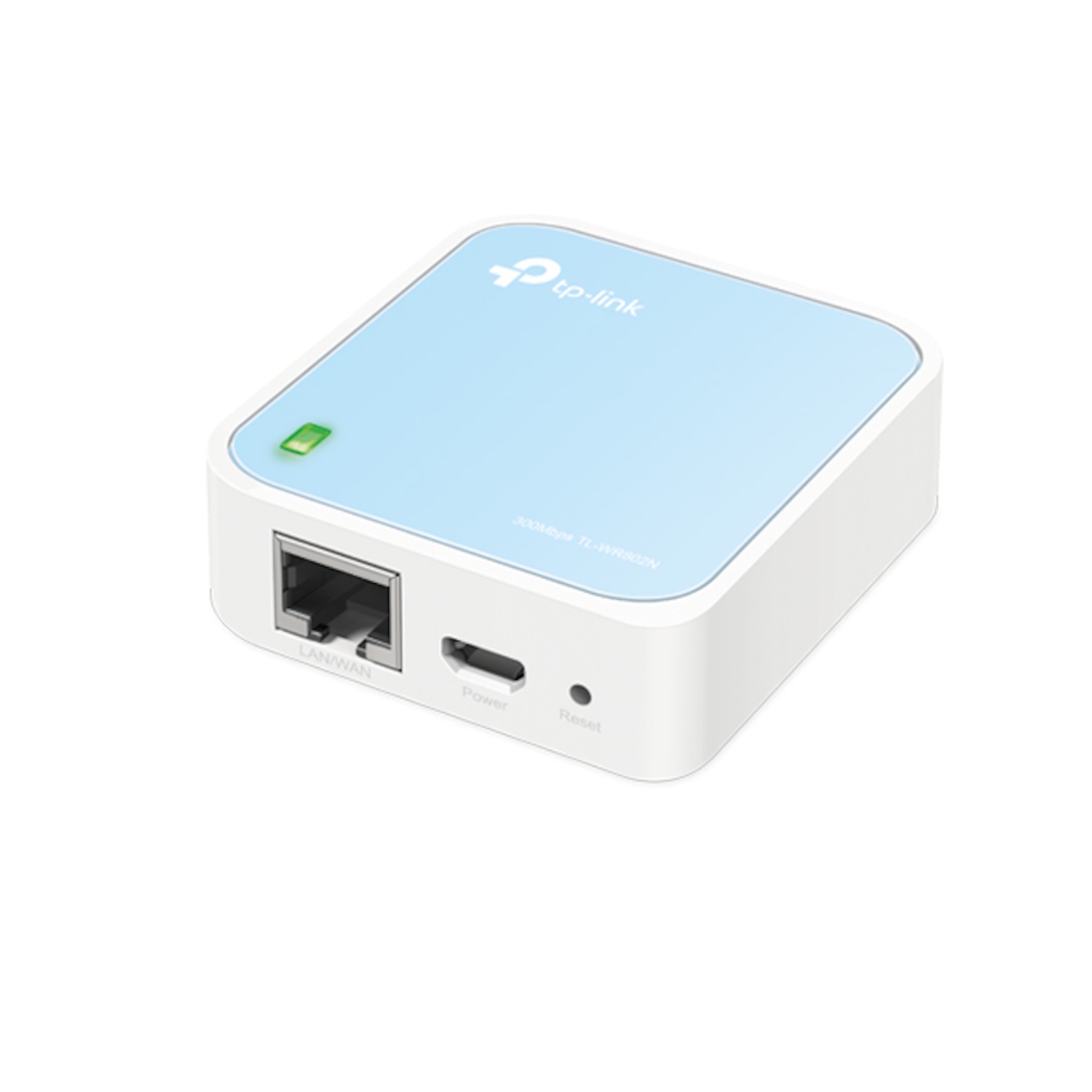
1× WAN/LAN jungtis — paprastas laidinis prijungimas prie tinklo šaltinio ar esamo tinklo
Saugumas — WPA/WPA2 šifravimo ir SPI ugniasienės palaikymas interneto sesijų apsaugai
Techninės charakteristikos
Tipas — belaidis maršrutizatorius / kelionių Wi-Fi sprendimas
Modelis — TL-WR802N
Wi-Fi standartas — IEEE 802.11n/b/g (Wi-Fi 4)
Dažnis — 2.4 GHz
Maks. belaidis greitis — 300 Mbps (N300)
Antenos — 2× fiksuotos vidinės antenos
Ethernet — 1× 10/100 Mb WAN/LAN (RJ-45) jungtis
USB — 1× USB 2.0 prievadas maitinimui
Saugumas — WEP, WPA, WPA2 šifravimas su SPI ugniasiene
Režimai — Router, Access Point, Range Extender, Client, Hotspot (WISP)
Maitinimas — 5 V ⎓ 1 A per USB arba adapterį
Protokolai — IPv4, IPv6 (WAN tipai: Dynamic IP, Static IP, PPPoE ir kt.)
Spalva — balta / mėlyna
Suderinamumas
Suderinamas su — Wi-Fi 4 (802.11n) ir senesniais Wi-Fi klientų įrenginiais (telefonais, planšetėmis, kompiuteriais)
Neskirtas — Wi-Fi 5 / Wi-Fi 6 didesniems belaidžiams greičiams ar mobiliojo SIM interneto naudojimui
Kaip naudoti
Prijunkite maitinimo šaltinį per USB 2.0 arba adapterį
Prijunkite interneto kabelį (WAN) prie RJ-45 jungties
Atidarykite TP-Link Tether programėlę arba žiniatinklio nustatymų skydelį
Sukurkite Wi-Fi SSID ir slaptažodį bei įjunkite saugumo šifravimą
Pasirinkite veikimo režimą (Router / AP / Extender / Client / Hotspot)
Kodėl verta įsigyti
TP-Link TL-WR802N siūlo patikimą N300 belaidį ryšį kompaktiškame korpuse, idealiai tinkančiame kelionėms, viešbučiams, laikiniems diegimams ir papildomoms namų Wi-Fi zonoms. Dėl daugiafunkcių režimų, USB maitinimo ir paprasto nustatymo jis užtikrina lankstų ir stabilų Wi-Fi ryšį kelių įrenginių kasdieniam naudojimui.
Realūs naudojimo scenarijai
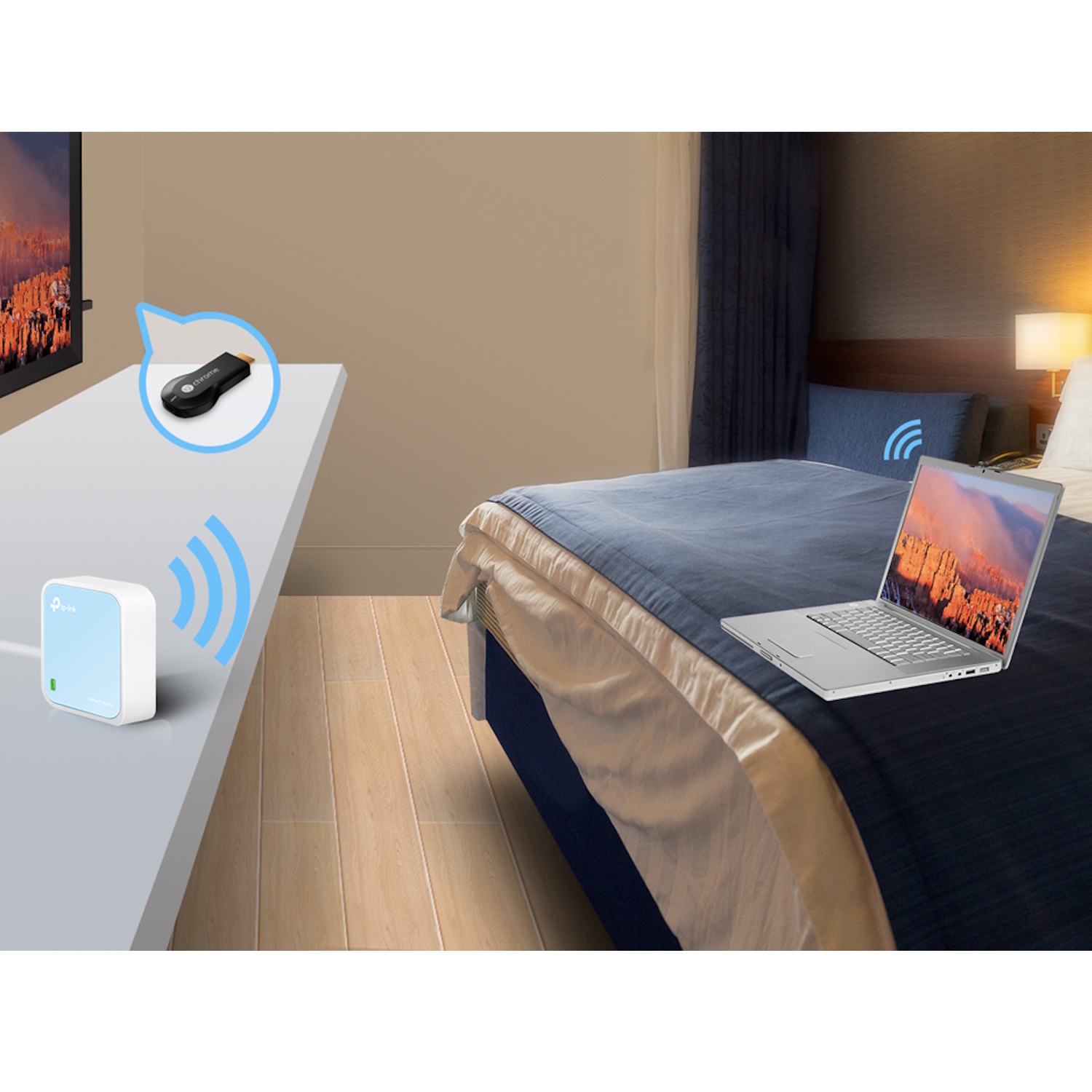
Asmeninio Wi-Fi tinklo sukūrimas viešbutyje kelionės metu
Interneto dalijimasis per mobilų modemą arba laidinį ryšį
Esamo belaidžio tinklo išplėtimas naudojant Range Extender režimą
Wi-Fi prieigos taško (AP) sukūrimas namų aplinkoje
Ethernet įrenginių prijungimas prie esamo tinklo (Client mode)
Komplektacija
TP-Link TL-WR802N Wi-Fi maršrutizatorius ×1
USB maitinimo kabelis / adapteris ×1
Greitojo diegimo vadovas ×1
Apie prekės ženklą
TP-Link yra pasaulinis tinklo technologijų gamintojas, specializuojantis kompaktiškuose ir funkcionaliuose tinklo sprendimuose, siūlantis paprastą valdymą ir platų įrenginių suderinamumą, kad būtų užtikrintas patikimas belaidis ryšys tiek namuose, tiek kelionėse.