


|
Su kurjeriu visoje Lietuvoje
|
Dėl tikslesnio pristatymo laiko, su Jumis bus susisiekta. | Iš 3,99 EUR |
|
|
|||

|
Atsiėmimo punktuose
|
Dėl tikslesnio pristatymo laiko, su Jumis bus susisiekta. | Iš 3,39 EUR |
 Skaityti daugiau


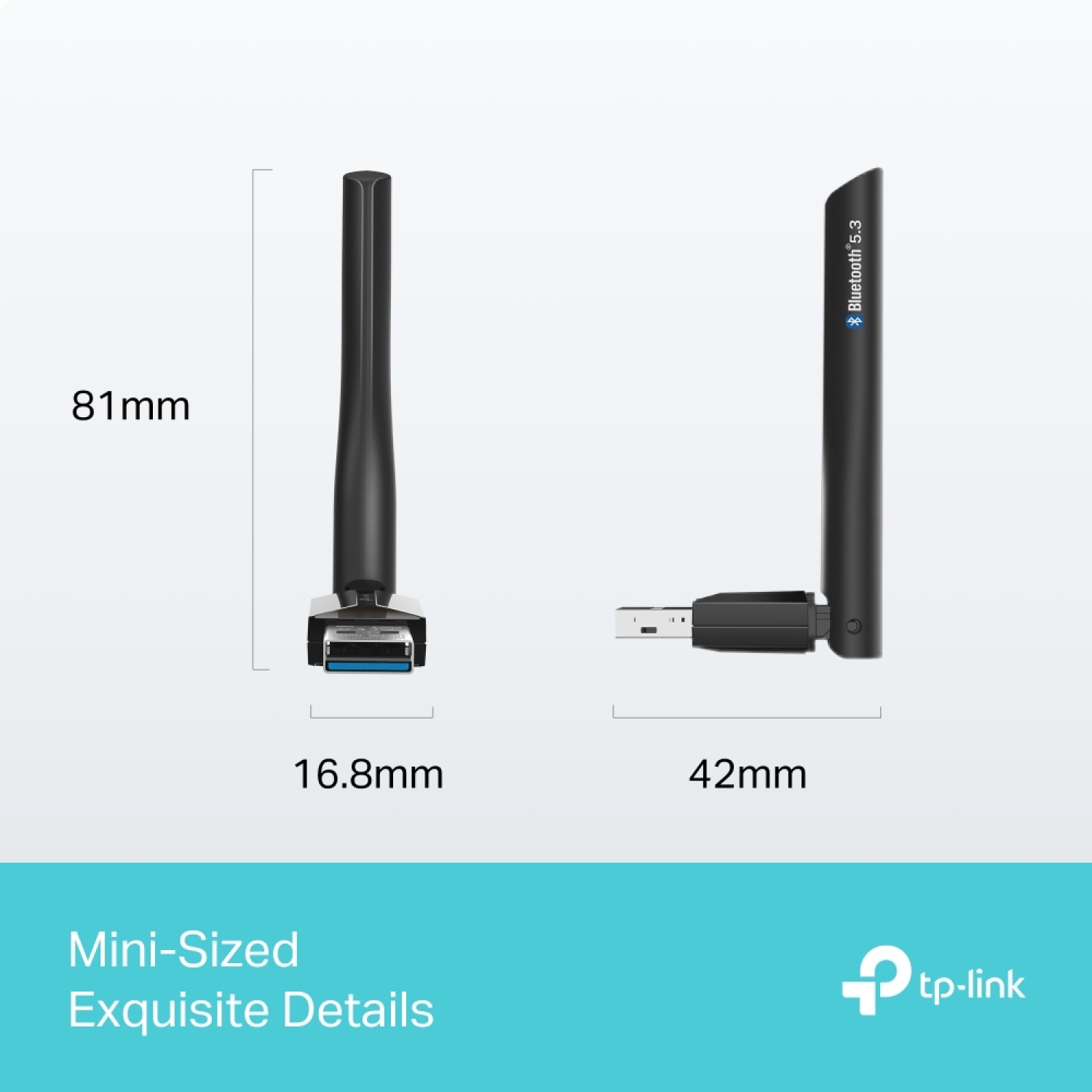
| Dydis, mm | 3.19 × 1.65 × 0.66 in (81 × 42 × 16.8 mm) |
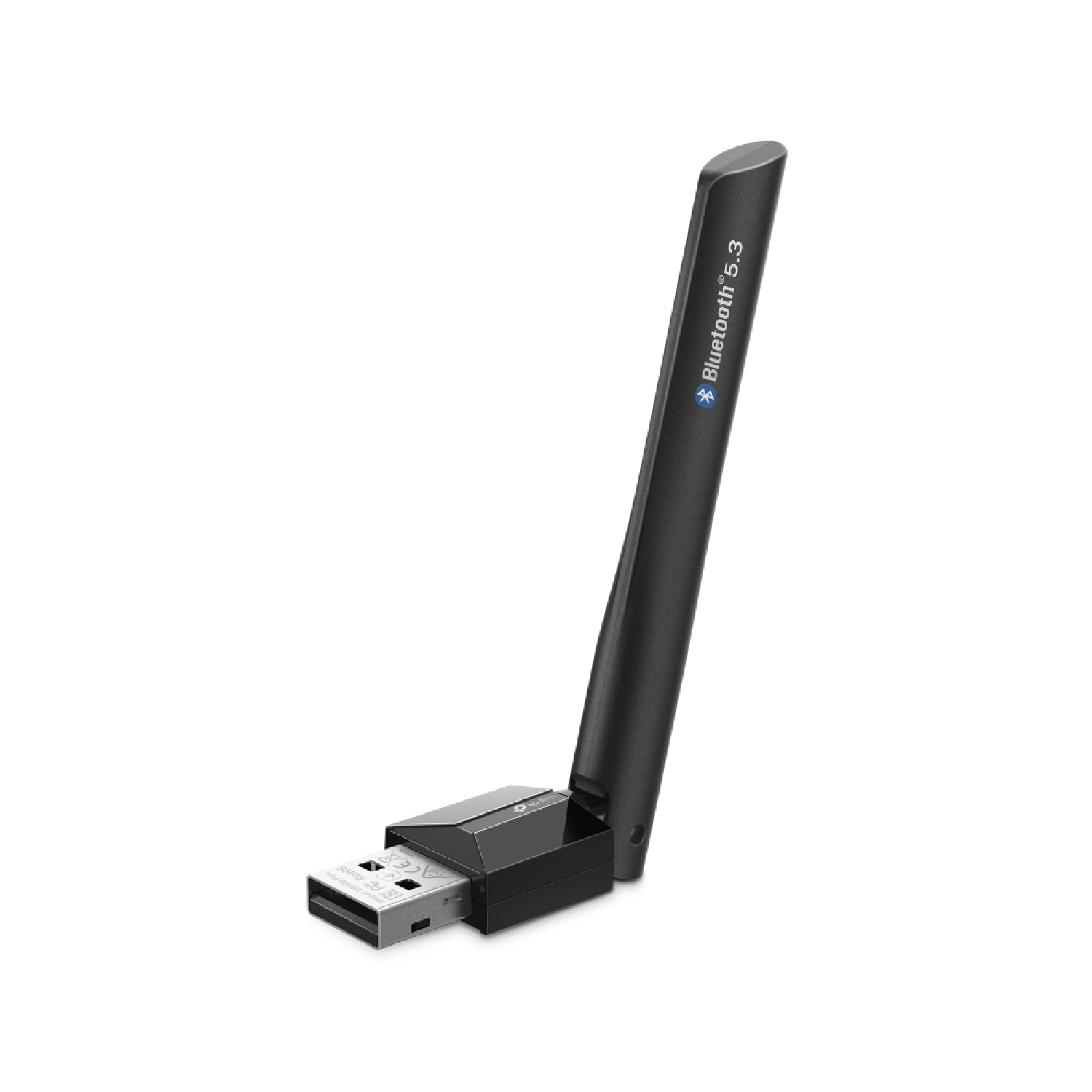
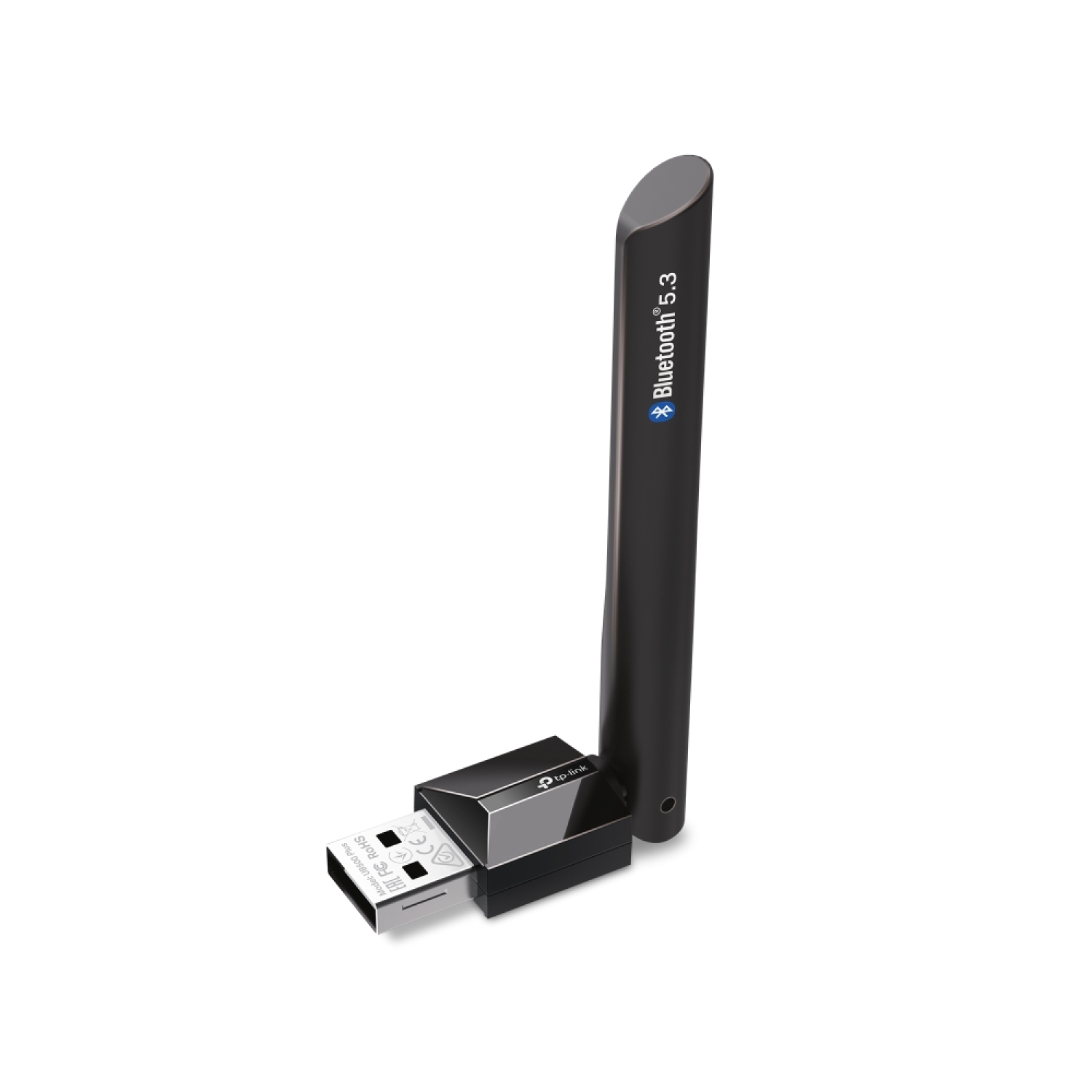
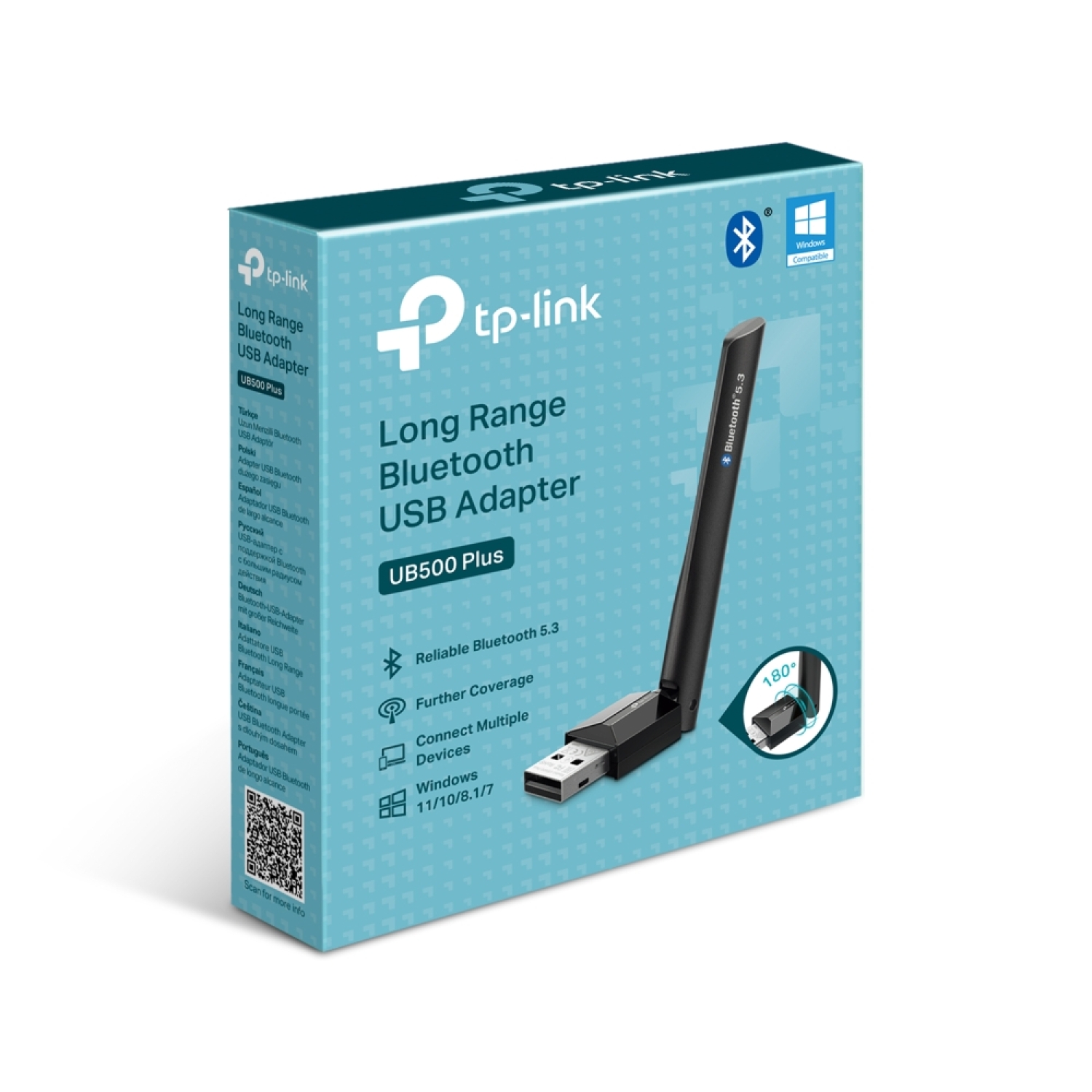
TP-Link UB500 Plus yra Bluetooth 5.3 technologiją naudojantis USB belaidis adapteris, plečiantis kompiuterio ar nešiojamojo kompiuterio suderinamumą su Bluetooth įrenginiais. Jis leidžia patogiai pridėti Bluetooth funkcionalumą įrenginiams, kuriuose jis nėra integruotas, ir užtikrina stabilų, greitą bei patikimą ryšį su įvairiais belaidžiais periferiniais įrenginiais.
Pagrindiniai privalumai
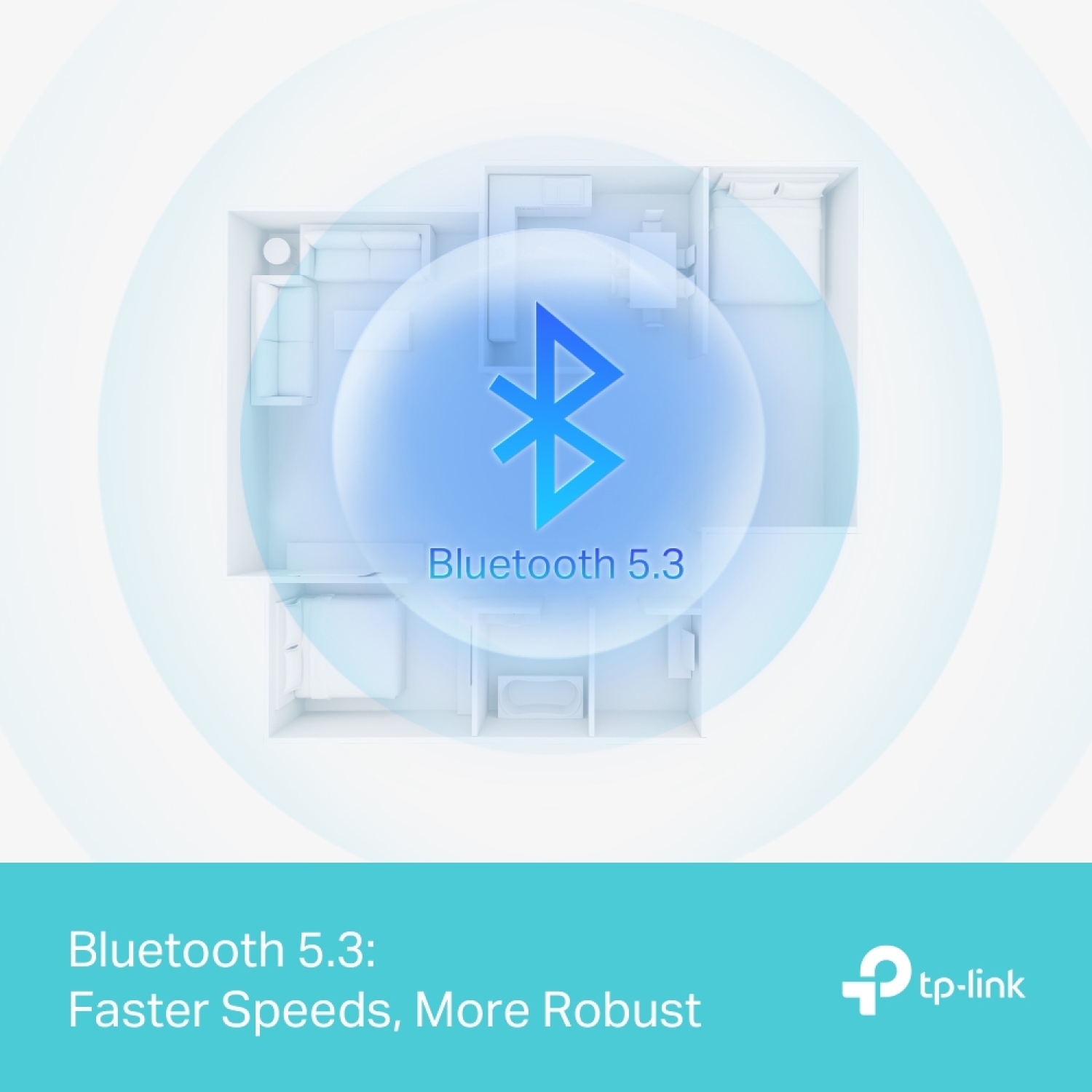
Bluetooth 5.3 technologija → pagerintas saugumas ir ryšio stabilumas, palyginti su ankstesnėmis Bluetooth versijomis
Platus belaidis suderinamumas → prijungia Bluetooth ausines, klaviatūras, peles, žaidimų valdiklius ir kitus pažangius įrenginių tipus
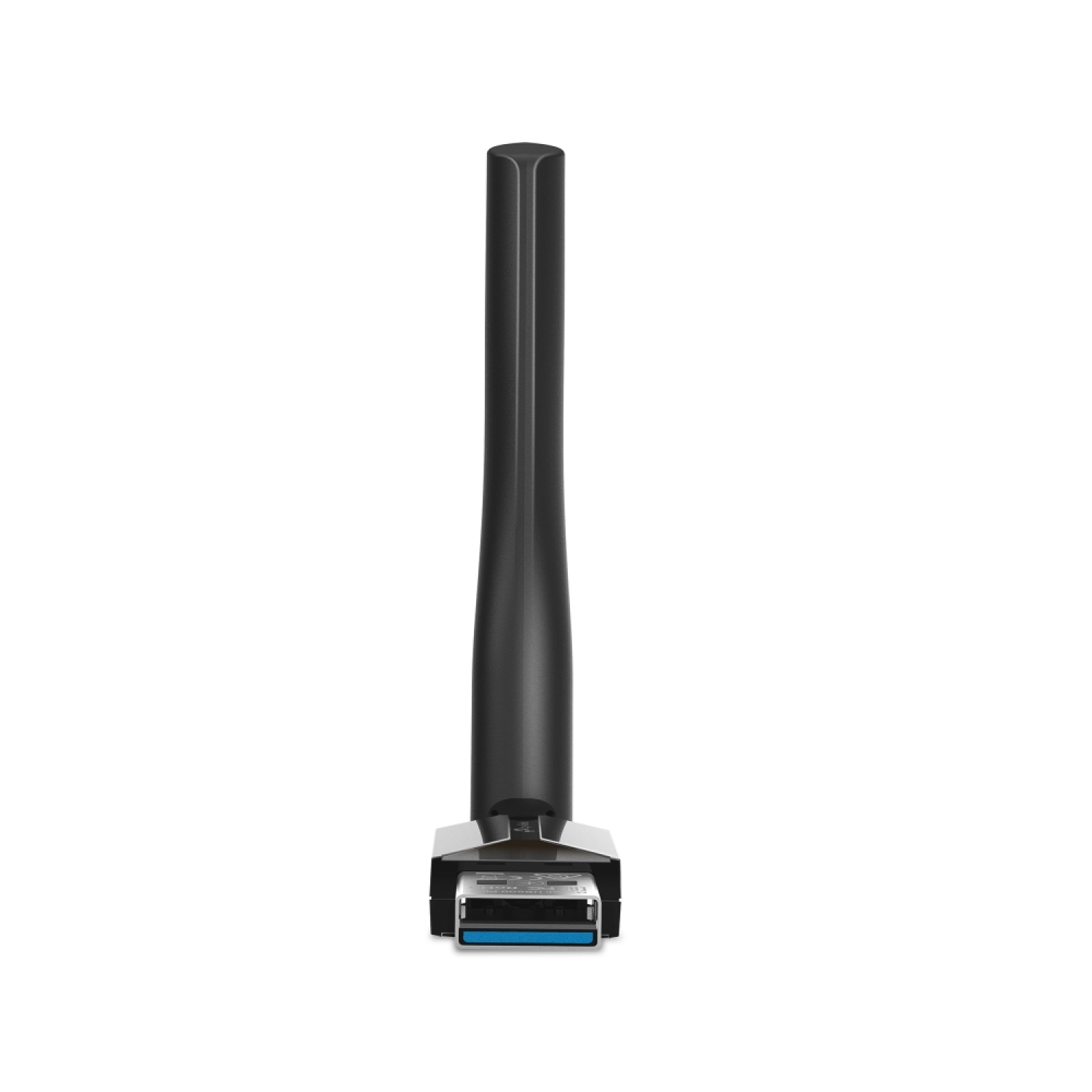
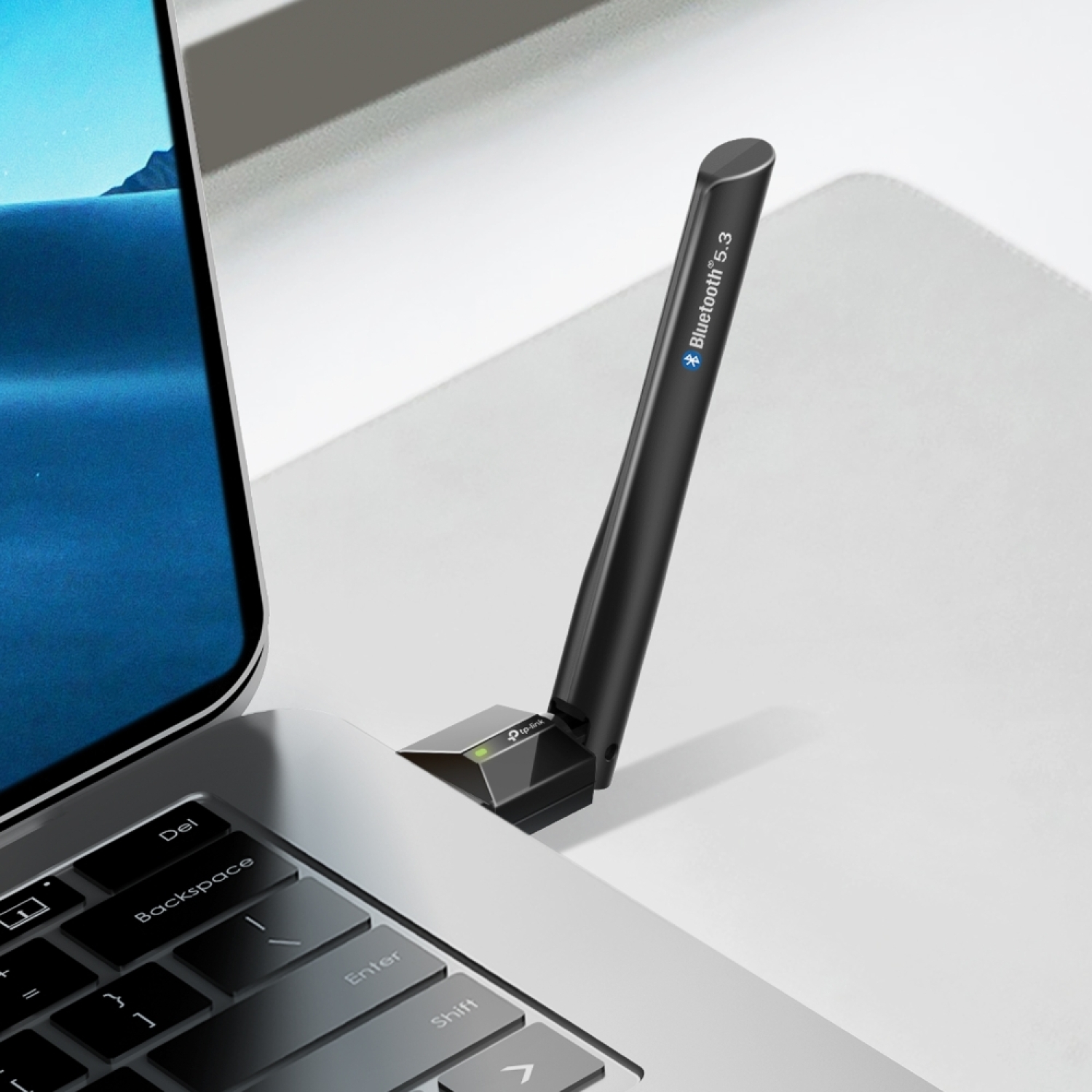
Reguliuojama daugiakryptė antena → pagerina priėmimą ir signalo kokybę įvairiomis aplinkos sąlygomis
Iki 7 įrenginių vienu metu → užtikrina įvairių Bluetooth įrenginių prijungimą prie vieno kompiuterio
Plug-and-Play palaikymas → paprastas diegimas be sudėtingos konfigūracijos (kai kurioms Windows versijoms gali reikėti tvarkyklės)
Mini dydžio dizainas → patogu prijungti prie bet kurio USB prievado, nereikia papildomų laidų
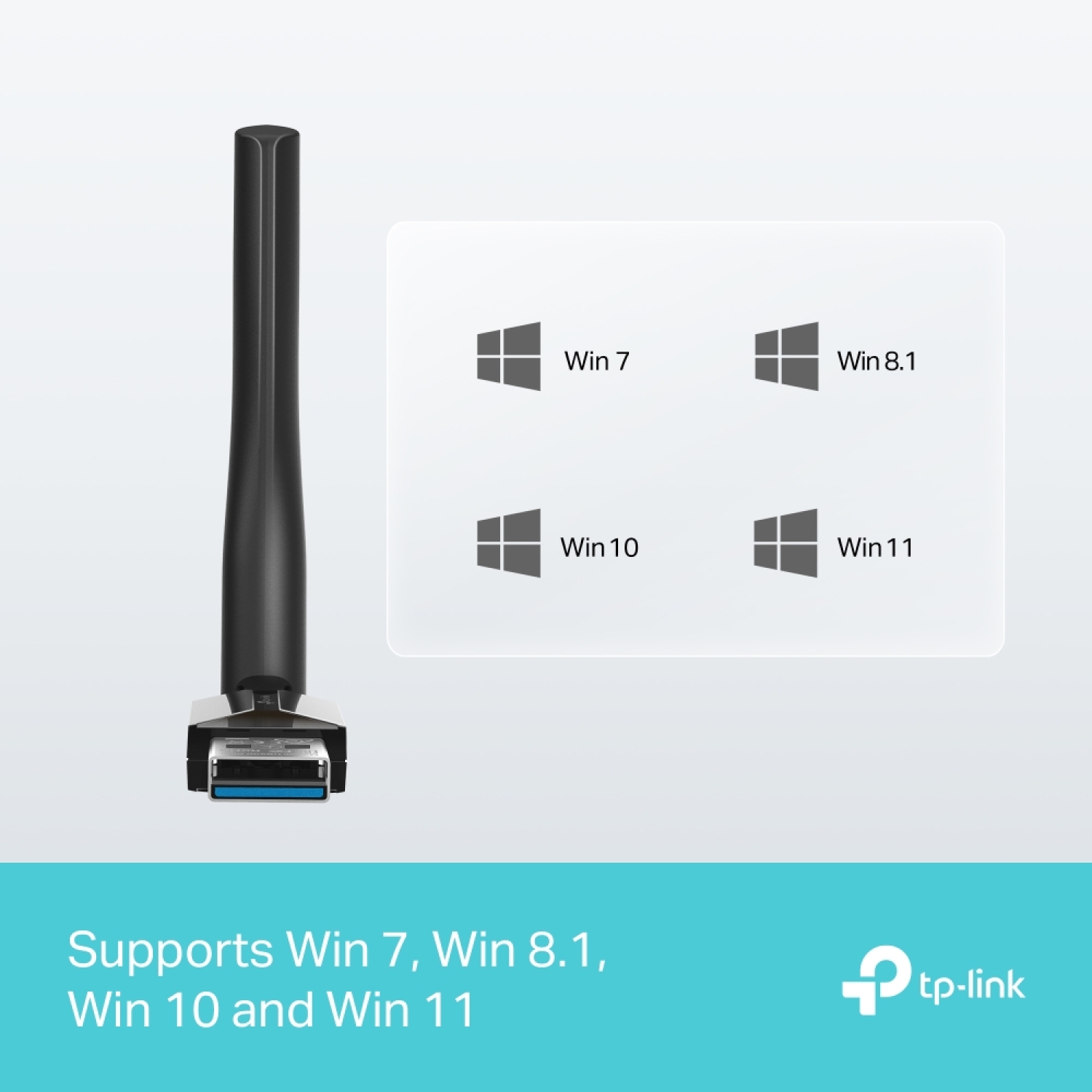
Suderinamas su plačiu OS sąrašu → palaiko Windows 11, 10, 8.1 ir 7
Techninės specifikacijos
Tipas → Bluetooth 5.3 USB belaidis adapteris
Modelis → TP-Link UB500 Plus
Bluetooth versija → 5.3
Jungtis → USB 2.0
Antena → reguliuojama daugiakryptė antena
Palaikomos OS → Windows 11 / 10 / 8.1 / 7
Darbo temperatūra → apie 0 °C iki 40 °C
Matmenys → 81 × 42 × 16.8 mm
Maitinimas → USB prievadas (iš kompiuterio ar nešiojamojo kompiuterio)
Spalva → juoda
Suderinamumas
Suderinamas su → Bluetooth 5.3/5.x/4.x įrenginiais (pvz., ausinėmis, garsiakalbiais, klaviatūromis, pelėmis, žaidimų valdikliais)
Suderinamas su → Windows 11, Windows 10, Windows 8.1, Windows 7
Nesuderinamas su → įrenginiais be USB prievado arba su operacinėmis sistemomis, nepriklausančiomis palaikomų Windows sąrašui (pvz., macOS be tvarkyklių palaikymo)
Kaip naudoti
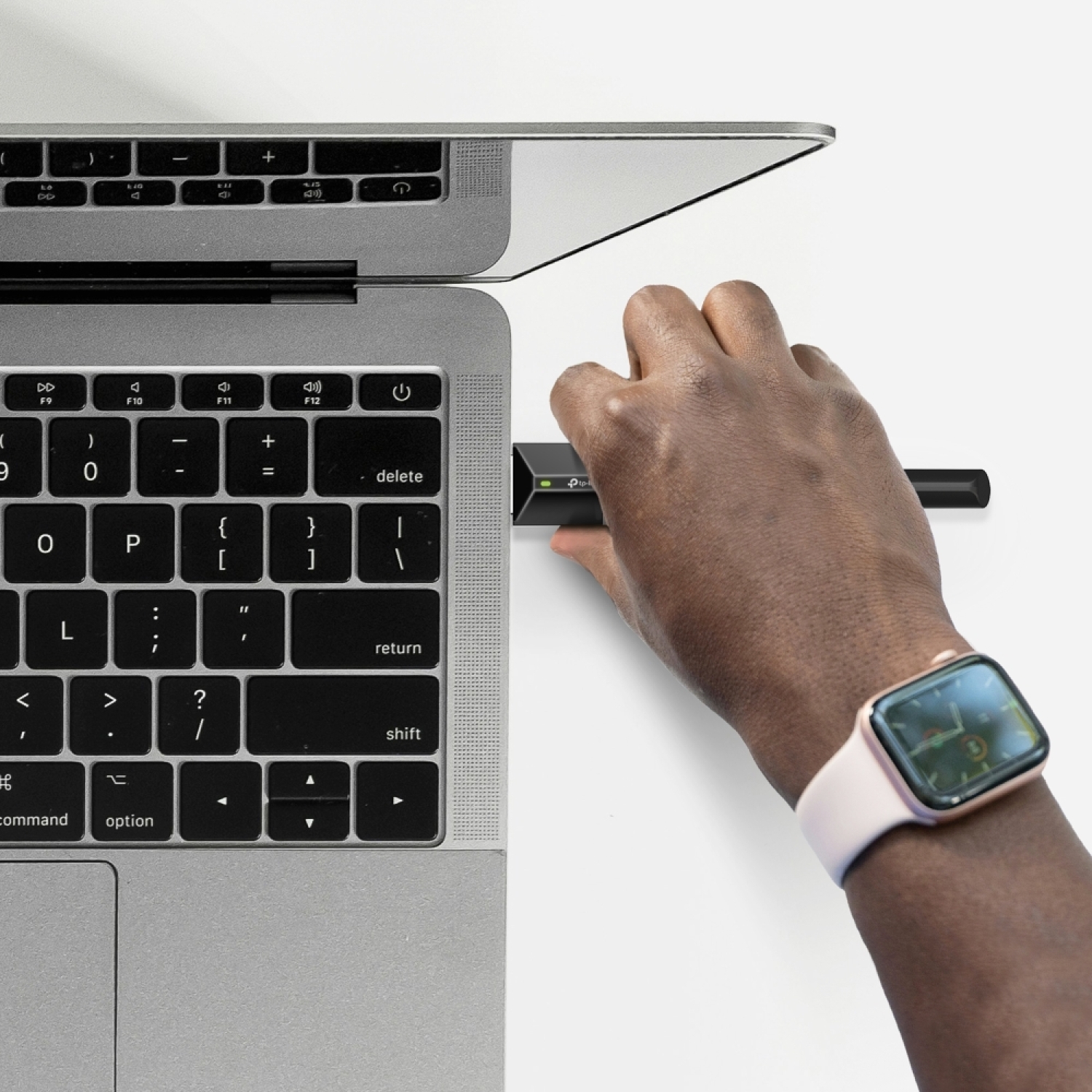
Prijunkite UB500 Plus prie laisvo USB prievado kompiuteryje
Įjunkite Bluetooth poravimo režimą savo Bluetooth įrenginyje (ausinėse, klaviatūroje ir pan.)
Pasirinkite įrenginį kompiuterio Bluetooth sąraše ir prijunkite
Pakoreguokite antenos padėtį, kad optimizuotumėte signalo kokybę
(Jei reikia) įdiekite tvarkyklę iš TP-Link palaikymo puslapio
Kodėl verta įsigyti
TP-Link UB500 Plus USB adapteris reikšmingai praplečia kompiuterio Bluetooth ryšio galimybes, užtikrindamas geresnį signalo stabilumą ir ryšio diapazoną dėl Bluetooth 5.3 technologijos ir reguliuojamos antenos. Jį paprasta naudoti, jis suderinamas su plačiu įrenginių spektru ir tinka Windows kompiuteriams su palaikomomis OS versijomis, kurie neturi integruoto Bluetooth arba kuriems reikalingas patobulintas belaidis ryšys.
Realūs naudojimo scenarijai
Belaidžių ausinių prijungimas prie kompiuterio vaizdo įrašams žiūrėti ar muzikai klausytis
Bluetooth pelės ar klaviatūros belaidis prijungimas prie nešiojamojo kompiuterio
Žaidimų valdiklio prijungimas prie PC žaidimų sesijų metu
Failų ir multimedijos perdavimas tarp kompiuterio ir kitų Bluetooth įrenginių
Bluetooth įrenginių prijungimas prie senesnių kompiuterių be integruoto Bluetooth palaikymo
Komplektacija
TP-Link UB500 Plus Bluetooth 5.3 USB adapteris
Greito diegimo vadovas
Apie prekės ženklą
TP-Link yra pasaulinis tinklo ir belaidžio ryšio technologijų gamintojas, orientuotas į inovatyvią, naudotojui patogią ir patikimą įrangą namų ir verslo aplinkoje. UB serijos adapteriai sukurti įrenginių jungiamumui plėsti, užtikrinant stabilų ir plataus diapazono belaidį funkcionalumą, derinant modernias technologijas su intuityviu naudojimu.